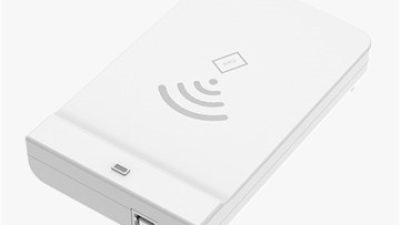
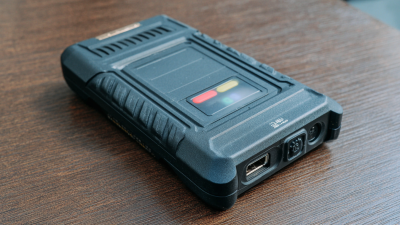
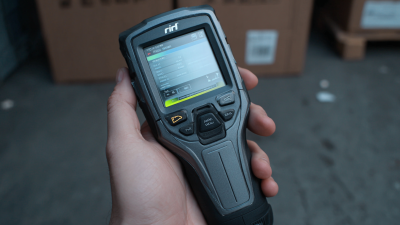
In today's fast-changing tech world, it’s pretty exciting to see how Internet of Things (IoT) solutions like the Usb Rfid Reader are really changing the game for businesses. I recently came across a report from Grand View Research that predicts the global RFID market will hit around $40 billion by 2026, growing at a hefty 23% annually from 2019 onward. That’s a huge boost and really highlights just how important RFID tech is—whether it’s managing inventory, handling logistics, or working across different industries.
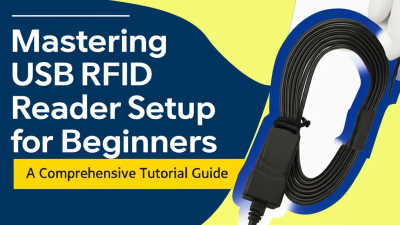
At MingQ Technology Limited, we’re all about pushing the boundaries with innovative IoT hardware and software. Our goal? To help companies tap into the full potential ofRFID systems. We’re dedicated to making information communication and industrial IoT more accessible, so businesses can use tools like the USB RFID Reader to run more smoothly and boost productivity. As we walk you through this easy-to-follow tutorial, newbies will learn the ins and outs of setting up USB RFID Readers—giving them real skills to be part of a more connected, efficient future.
Understanding RFID Technology: Basics and Benefits for Beginners
Hey, if you're just getting started with RFID technology, let me give you a quick rundown—it's pretty amazing how it's changing the game across so many industries. Basically, RFID involves three main parts: a reader, a tag, and an antenna. The reader sends out radio signals to talk to the tag, which secretly stores information. You’ll find this tech everywhere—think inventory tracking, asset management, or even controlling access to secure places. And honestly, it’s a huge help for businesses because it provides real-time data and makes operations run smoother.
If you're new to all this, a good place to start is by understanding the different types of RFID systems—like passive versus active tags. Passive tags are super budget-friendly and don’t need their own power source, so they’re perfect if you want to cover a lot of ground without breaking the bank. On the flip side, active tags come with their own batteries and can send signals over longer distances, which can be handy depending on what you’re trying to do.
Here’s another tip that might come in handy: try to see if you can mix RFID with other tech, like the Internet of Things (IoT). Combining the two can really boost how you collect and analyze data, potentially leading to smarter decisions and more efficient workflows. Getting a grip on these integrations will help you unlock the full potential of RFID and make your setups a lot more powerful.
Key Components of a USB RFID Reader: What You Need to Know
When you're setting up a USB RFID reader, it's really helpful to understand its main parts — whether you're just starting out or you’ve been at it for a while. Usually, a typical USB RFID reader has three key components: the RFID antenna, the reader module, and the connection interface. Think of it like this— the antenna is what picks up the radio waves from RFID Tags, while the reader module sorts through that data. And then, the connection interface (usually USB) is what allows your device, like your computer, to talk to the reader smoothly, making sure data gets transferred without a hitch.
Here at MingQ Technology Limited, we truly believe reliable RFID tech is a game-changer in lots of areas — whether it's managing inventory or controlling access to secure spaces. Our team’s pretty experienced in IoT software and hardware, so we’re all about providing solutions that fit your specific needs. If you’re thinking about adding RFID into your workflow or starting a new project, getting a good grip on what’s inside your USB RFID reader is really the first step to making it work perfectly for you. Trust me, the more you understand these parts, the easier it is to get everything running smoothly!
Mastering USB RFID Reader Setup for Beginners: Key Components of a USB RFID Reader
| Component | Description | Function | Common Usage |
| RFID Reader | Device that emits radio signals to read RFID tags | To scan and retrieve data from RFID tags | Inventory management, access control |
| USB Interface | Connection point for power and data transfer via USB | To connect the RFID reader to a computer | Desktop applications, portable setups |
| Power Supply | Provides the necessary electrical power for the reader | To enable functioning of the RFID reader | Typically powered through USB connection |
| RFID Tags | Small electronic devices that store data and communicate with the reader | To transmit unique identification to the reader | Product tracking, library books |
| Software Drivers | Programs that allow the computer to communicate with the reader | To facilitate data exchange and control | Data logging applications |
| Antenna | Transmits and receives radio waves to communicate with RFID tags | To enhance the range and performance of the reader | Used in industrial tracking systems |
Step-by-Step Guide to Setting Up Your USB RFID Reader
Setting up a USB RFID reader might seem a bit intimidating at first—especially if you're new to this stuff. Honestly, though, with the right guidance, it’s usually a pretty straightforward process. You know, RFID tech has really taken off in recent years. Market folks are saying it's growing at over 10% annually up until 2025, which just goes to show how important it is to get the hang of how these devices work, especially the USB RFID readers.
So, if you’re trying to set yours up, start by making sure you’ve got the latest drivers installed for your computer. It’s a good idea to go for software that’s user-friendly—things that help you get your reader recognizing tags without a headache. Just taking it step by step can really make a difference—no need to get overwhelmed with all the tech jargon.
Oh, and here’s a quick tip: when picking out a USB RFID reader, think about how far it can read and whether it plays nicely with the software you plan to use. Also, don’t forget to keep the firmware up to date. Manufacturers often roll out updates that can boost performance and even add cool new features. Finally, if you get stuck or just want to learn more, hopping onto online forums or communities can be super helpful. People there often share tips and real-world experiences that can save you a lot of time and frustration.
USB RFID Reader Setup Time Analysis
Troubleshooting Common USB RFID Reader Issues
Setting up a USB RFID reader can sometimes be a bit tricky, especially if you're just starting out. One of the most common headaches is when the reader just doesn’t seem to pick up the RFID tags. Usually, this happens because the connection isn’t quite right—double-check that it’s plugged into the USB port properly and that all the drivers are installed correctly. Also, make sure your RFID tags are actually compatible with your reader; mismatched tags can be super frustrating and just cause unnecessary headaches.
Another thing people often struggle with is reading distance—like, why does it work sometimes but not others? To fix this, try to keep a good distance between your reader and the tags—nothing too close or too far. And it's a good idea to set up your reader somewhere stable, away from shiny metal objects or other electronics that might mess with the signal. Trust me, a little tweak here and there can really make a difference!
Quick tips: After you've got everything set up, run a quick diagnostics check to make sure all is well. Keeping your firmware up-to-date can also really boost performance and compatibility. Oh, and don’t forget to check your power supply—if it’s weak or unstable, that can cause all kinds of weird connectivity problems, so make sure it’s solid.
Exploring Future Trends in RFID Technology: What to Expect in 2025
As we get closer to 2025, the warehousing and storage scene is really gearing up for some serious growth. This bump is mainly fueled by new tech innovations and the growing demand for smarter logistics solutions. Experts are talking about this sector expanding by around $643.2 billion, with a solid 8.2% yearly growth rate. It’s pretty clear that companies are ready to dive into advanced tech like RFID tags. This shift isn’t just buzz—it's actually making inventory management smoother, helping operations run more efficiently, and leading to happier customers in the long run.
Looking ahead, RFID tech is only going to get better and more sophisticated. We’re talking about smarter tags, better antennas, and more powerful readers, plus some seriously robust software middleware. Plus, with the integration of IoT and AI, warehouses will be able to grab real-time data, making everything more transparent and quick to respond to market changes.
Companies like MingQ Technology Limited are really leading the charge here, offering high-tech IoT hardware and software solutions designed specifically for the warehousing world. By jumping on these new advancements, businesses can set themselves up for success, stay ahead of the game, and keep their competitive edge sharp as the market keeps on changing.
Maximizing Efficiency: Best Practices for Using USB RFID Readers in Various Industries
In today’s super busy world, more and more companies across different industries are turning to USB RFID readers to help make their operations smoother and more efficient. These handy devices are great because they let you gather data quickly and accurately, making things like managing inventory, tracking assets, and controlling access way easier. For businesses in retail, healthcare, or logistics, using RFID technology the right way can really cut down on manual mistakes and boost overall productivity.
To get the most out of your USB RFID readers, start by making sure they’re set up correctly and play nicely with your existing systems. That means choosing software that supports real-time data updates and creating clear workflows so everyone knows what to do. Don’t forget—regular updates and maintenance for both hardware and software are super important to keep things running smoothly and avoid tech hiccups that could mess up your operations. And it’s a good idea to train your staff so they get comfortable with how the whole system works—that way, scanning and data collection go much more smoothly.
Also, it’s worth thinking about customizing your RFID setup to suit your specific needs. Different industries might need different tag designs or reader settings to perform at their best. By looking at what challenges you’re facing—like tracking expensive items in a warehouse or managing patient info in hospitals—you can make smarter choices and really get the most out of these devices. In the end, this can make a big difference in how efficient and effective your services are.
Enhancing Card Management Efficiency with the USB Compact Desktop RFID Scanner GRU-D100
In today’s fast-paced environment, efficient card management is crucial for organizations striving to enhance their operational workflows. The USB Compact Desktop RFID Scanner GRU-D100 offers a remarkable solution, designed specifically to streamline card management processes. With its compact form factor and straightforward USB connectivity, users can effortlessly plug in the GRU-D100 to any USB port, eliminating the hassle of complex installations or additional drivers. This feature not only accelerates deployment time but also ensures that anyone can operate the device with minimal training.
The GRU-D100 isn't just user-friendly; it delivers high performance in card reading capabilities. Whether for access control, identification verification, or product tracking, this scanner meets various needs seamlessly. Its design caters to both customized solutions and general-purpose applications, making it a versatile tool for businesses of all sizes. Furthermore, our commitment to quality and cost-effectiveness means you're not only investing in a cutting-edge technology but also bolstering your operational efficiency without stretching your budget. Reach out to us for any inquiries or orders, and experience how the GRU-D100 can transform your card management efficiency.
FAQS
: Start by ensuring you have the latest drivers installed for your operating system, and use user-friendly software to configure the reader. Follow a clear, step-by-step process to reduce confusion during setup.
Consider the read range and compatibility with your intended software applications. Additionally, ensure that firmware is regularly updated for optimal performance and new features.
This issue may arise from improper connection to the USB port, incorrectly installed drivers, or using incompatible RFID tags. Ensure all components are correctly set up and compatible.
Maintain an optimal distance between the reader and the RFID tags, and position the reader in a stable environment away from interference sources like metal objects or electronic devices.
Perform a diagnostics check after setup to confirm proper functionality. Maintain updated firmware and ensure your power supply is adequate to prevent connectivity issues.
Explore online communities or forums where you can find troubleshooting advice and shared experiences from other users.
Conclusion
Hey there! If you're just starting out with RFID tech, our guide titled "Mastering USB RFID Reader Setup for Beginners" is a pretty good place to begin. We've broken down the basics of RFID—what it is, why it’s useful, especially for newbies. The tutorial walks you through the main parts you need to understand a USB RFID reader, and then dives into a simple, step-by-step setup to get you up and running without a headache. We also threw in some handy troubleshooting tips for those times when things don’t go quite as planned during setup or use.
Looking ahead, we chat about what’s coming for RFID tech by 2025—what to expect and how you might want to prepare. Plus, we share some best practices for using USB RFID readers in different industries, so you get the most out of your gear. This guide’s really perfect if you’re new to all this, giving you the confidence to harness the power of RFID tech. And of course, it’s supported by insights from MingQ Technology Limited, a team that knows their IoT stuff inside out.

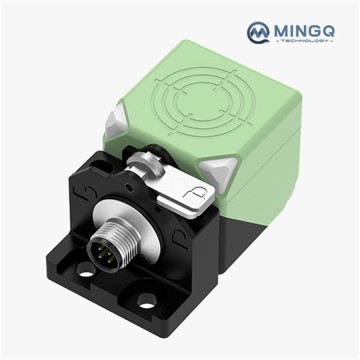 Rotary HF RFID Tag Reader GRH-I40 Suitable for Assembly Lines
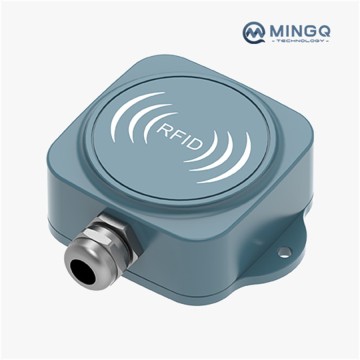 Industrial-grade High-frequency Integrated Reader GRH-I65 Suitable for Asset Tracking
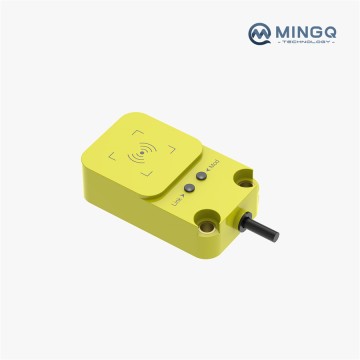 With ESD Protection HF RFID Reader GRH-I68 Suitable for Progress Tracking
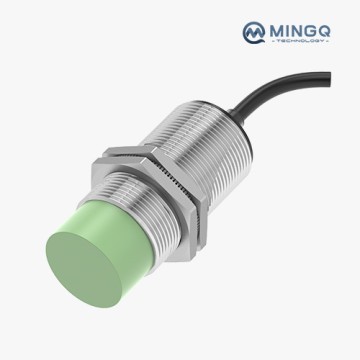 Proximity HF RFID Reader GRH-M30 Suitable for Manufacturing Workshops
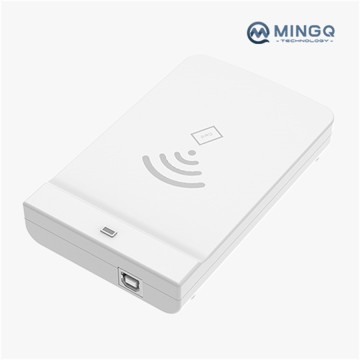 Desktop HF RFID Scanner GRH-D80-HID Suitable for Card-issuing Applications
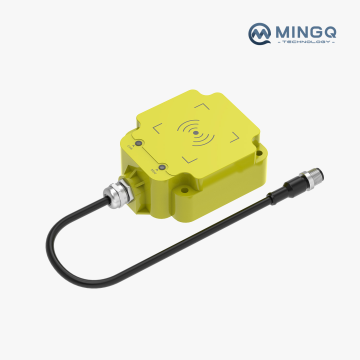 High Frequency Medium Distance Reader GRH-I90 Suitable for Logistics Production Line
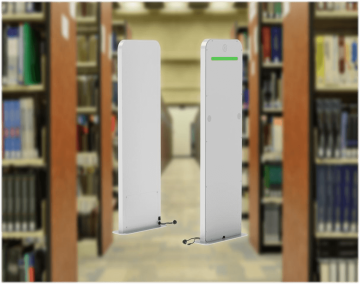 UHF RFID Portals and Tunnel Machine RFly-AM3000 for Access Control
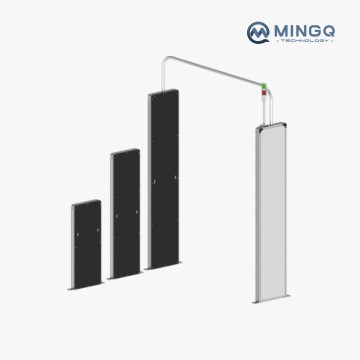 Narrow RFID Portals Series TD-P20040-SS for Single Tag Entry and Exit Identification Scenario
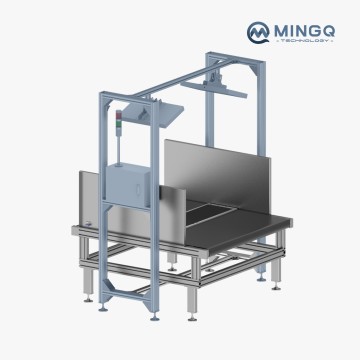 RFID Transmission Line Simple Identification Tunnel Machine (TD-T3050)
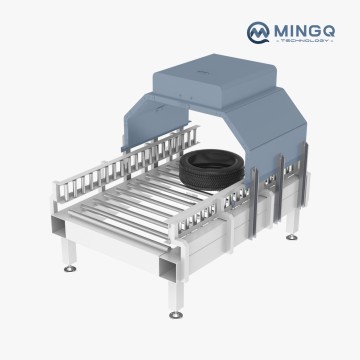 Vision and RFID Tunnel Machine TD-T7692-RV for Logistics Sorting
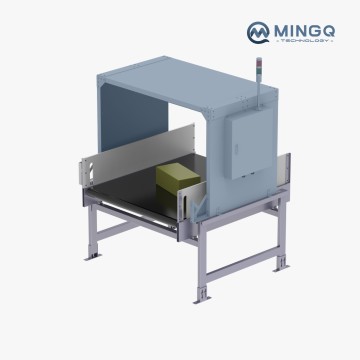 RFID Transmission Line Identification Tunnel Machine TD-T10090
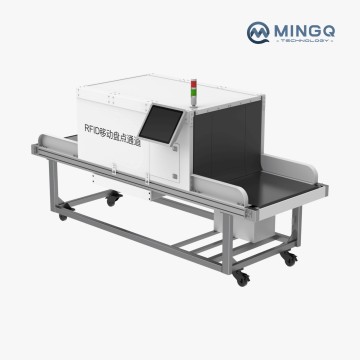 RFID Mobile Inventory Tunnel Machine TD-T65150 for Conveyor Belts
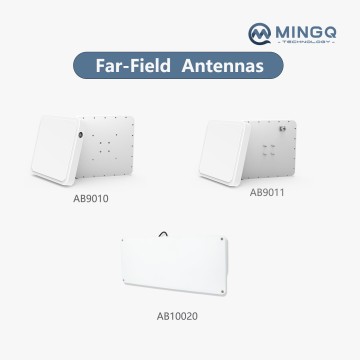 High-Performance Far-Field Antennas for Broad Coverage.
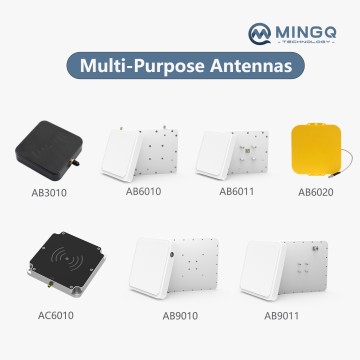 Multi-Purpose Antennas: Flexibility for Diverse Applications
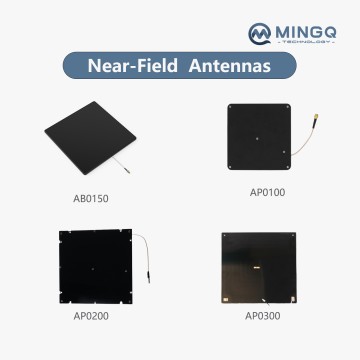 Near-Field Antennas for Short-Distance Tag Detection.
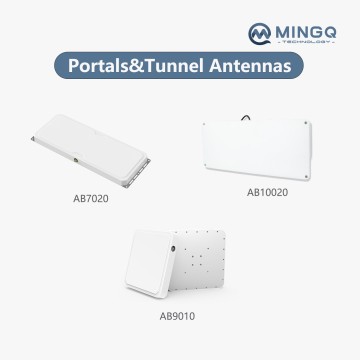 Portals & Tunnel Antennas for Integrated RFID Series
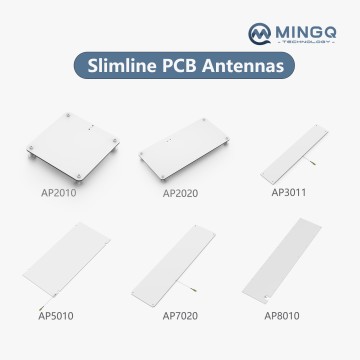 Slimline PCB Antennas for Warehousing and Logistics
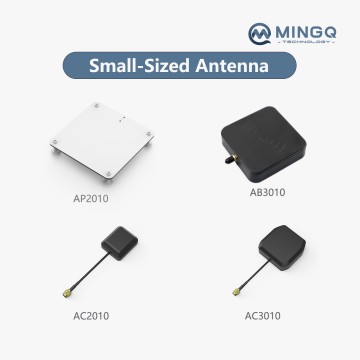 Miniaturized and Thin Antennas can Provide Good Performance in a Smaller Size.
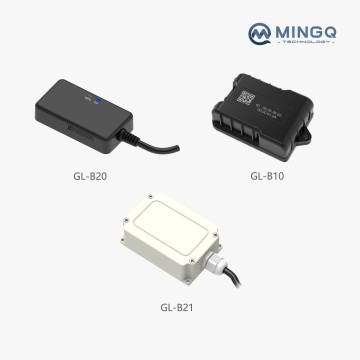 GPS Tracker for Vehicles, Car, Kids, Assets.
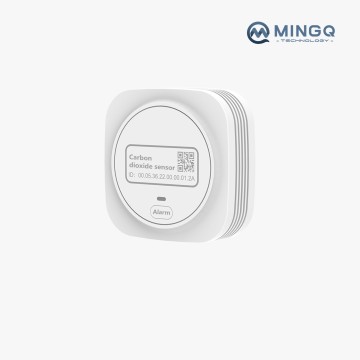 CO2 Sensors Detect CO2 Gas through Alarms, Suitable for Offices, Planting Tents.
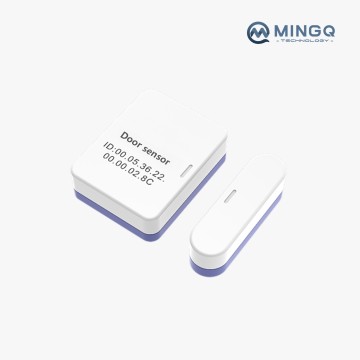 Door Sensor, Detect Open and Closed Doors or Windows, Sends Alerts, Triggers Siren.
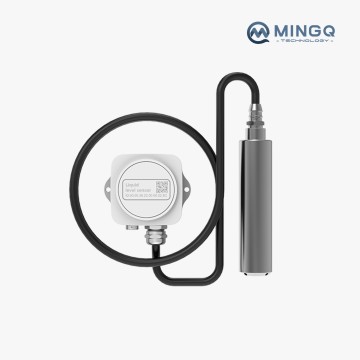 Wireless Level Sensor Equipped with a 5-Meter Detection Line, Suitable for Water Tanks
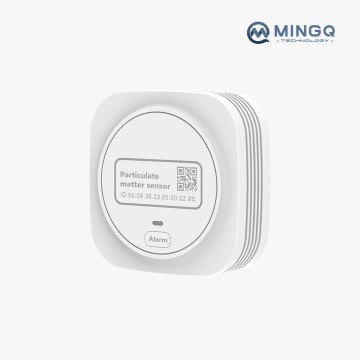 Real Time Monitoring of Air Quality Using PM2.5/PM10 Sensors.
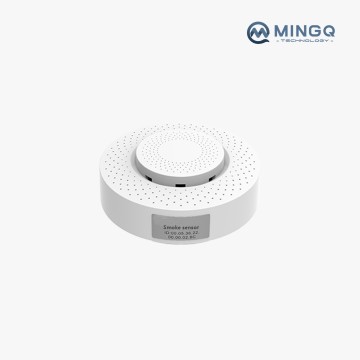 Smoke Sensor, Fire Alarm Smoke Detector with Test Button and Low Battery Reminder.
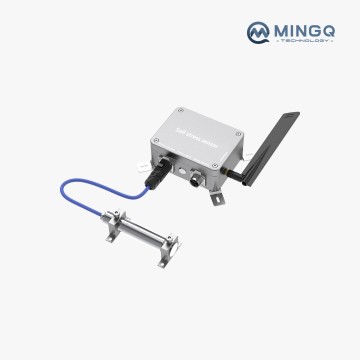 Soil Stress Sensor,Bridge and Tunnel Monitors.
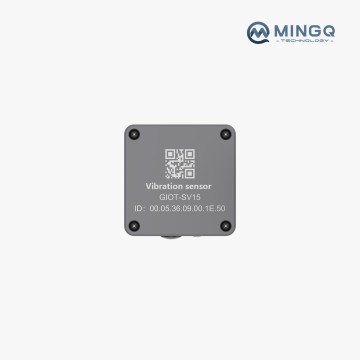 Vibration Sensor Monitors Equipment, Like Conveyors and Motors, for Operational Status.
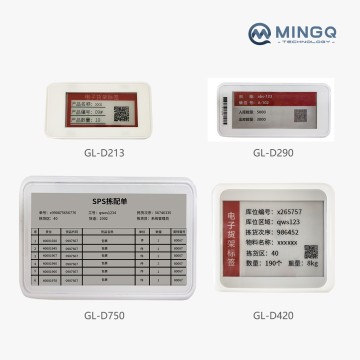 E -Paper Display
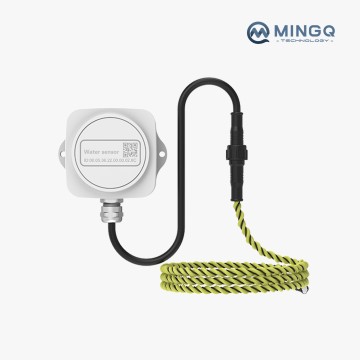 Smart Water Sensor Alarms, 1.2 M Detection Line.
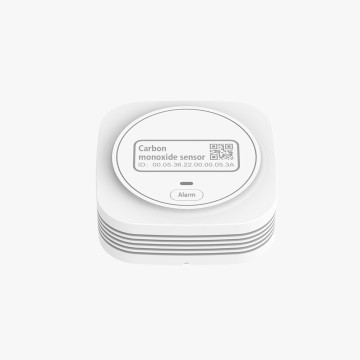 CO Sensor for Basements Home Office House Bedroom Living Room Car, Light Plug and Play.
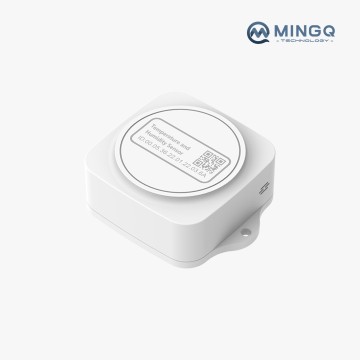 Temperature and Humidity Sensor
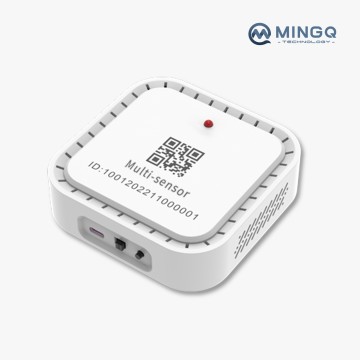 Multi-sensor GD-ME
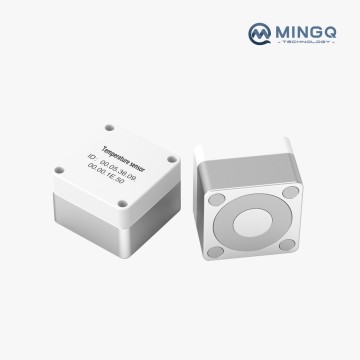 Temperature Sensors Monitor the Surface Temperature of Various Heating Equipment.-1
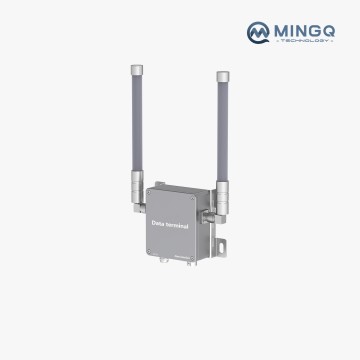 Signal Enhancement Terminal, Long Range Coverage.
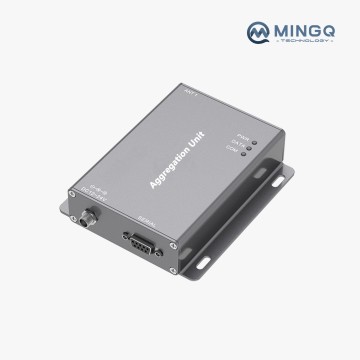 Multi-Protocol Communication Gateway, App Remote Control.
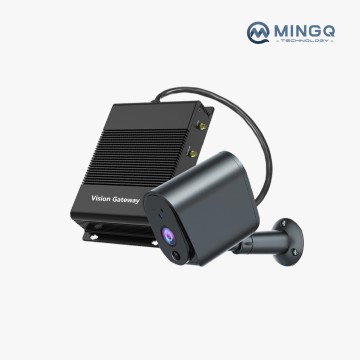 Edge Vision Gateway can Access Various Mainstream Cameras, Suitable for Office, Factory.
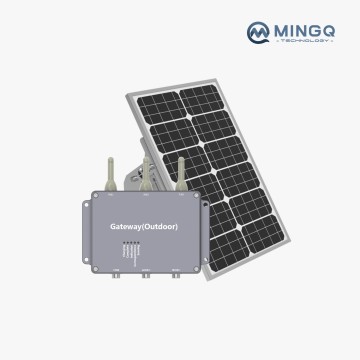 GBS-3550 Outdoor Sensor Gateway,LoRa, 2/3/4G Communication.
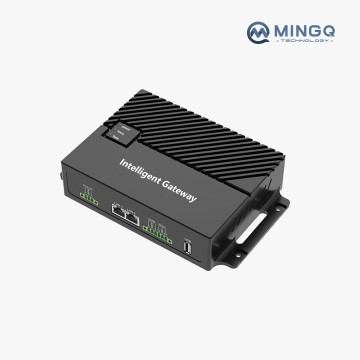 Smart WiFi Gateway, Realize Remote Control.
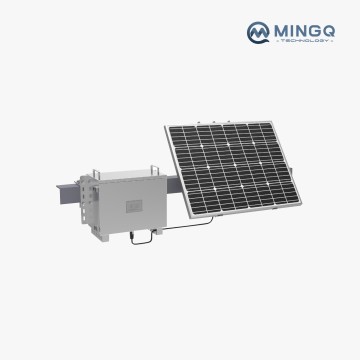 Ultra-Low-Power Solar-Powered Intelligent Gateway (Outdoor)
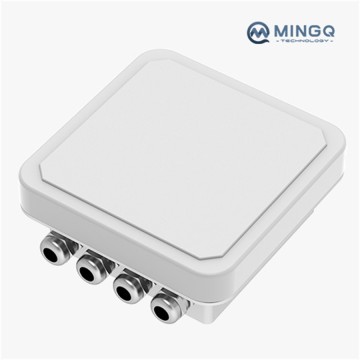 IP67-protected Integrated RFID Reader Writer RFly-I165 for Supply Chain
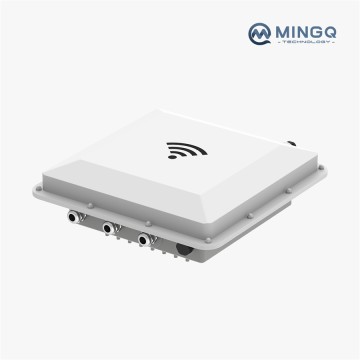 Long-range Distance UHF RFID Reader RFly-I195 for Inventory Management
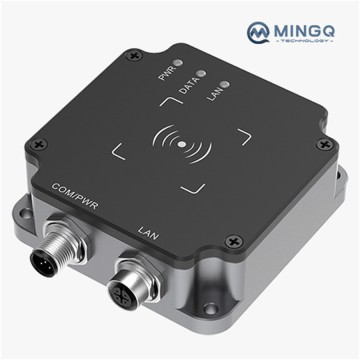 Small UHF RFID Tag Reader RFly-I300 for Cars
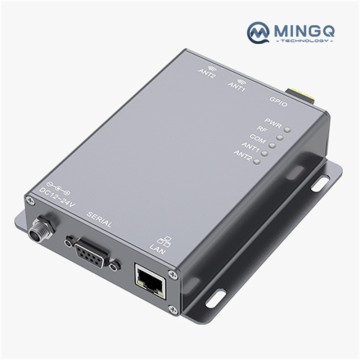 Two-channel Compact Fixed RFID Reader RFly-F210 for Warehousing
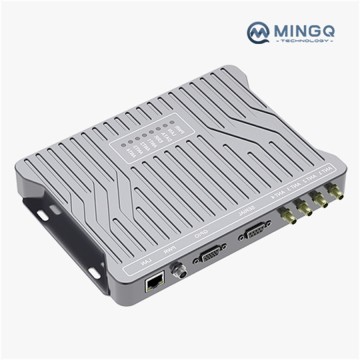 Four Channels Fixed UHF RFID Reader RFly-R6 for Supply Chain
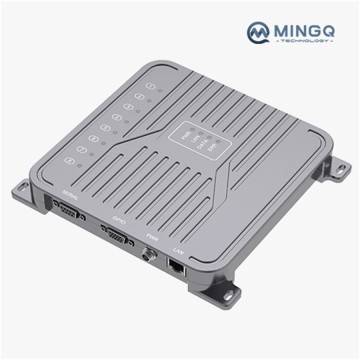 8-channel UHF RFID Tag Reader RFly-R8 for File Cabinet Identification
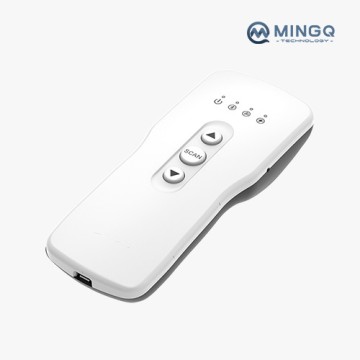 Bluetooth Portable RFID Reader and Writer GRU-HBT100 for Inventory Management
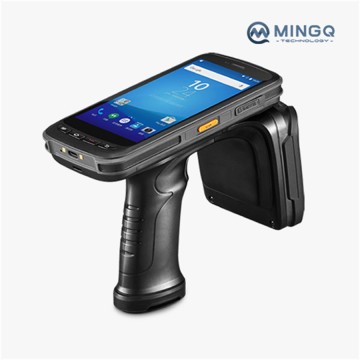 Industrial Grade Handheld UHF RFID Reader GRU-HC520 Suitable for Logistics
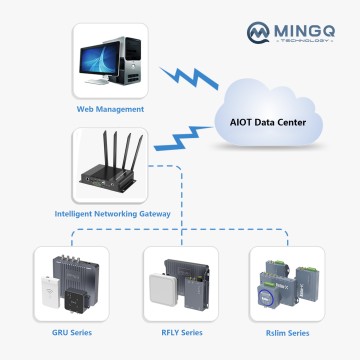 RFID Gateway Networking System
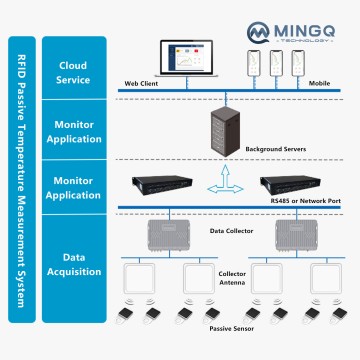 RFID Passive Temperature Measurement System
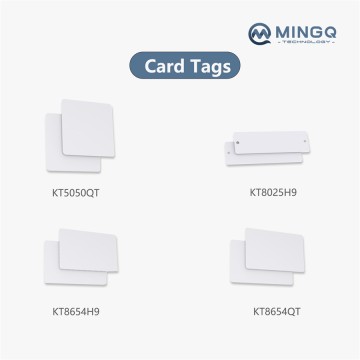 RFID Tags for Container Turnover Management
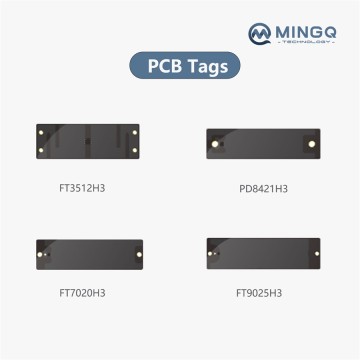 RFID Tags for Equipment O&M Management
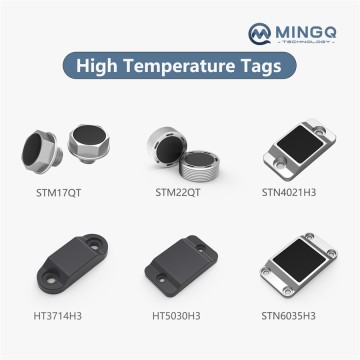 RFID Tags for Manufacturing Management
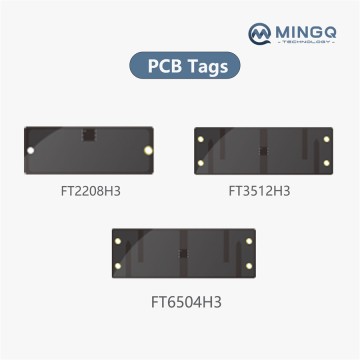 RFID Tags for Tool Management
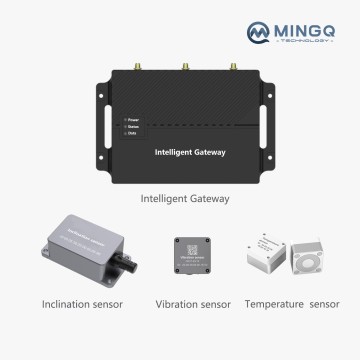 A Kits for Equipment Condition Detection
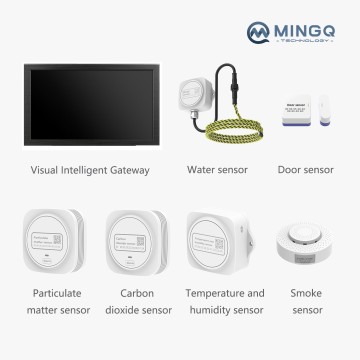 A Kits for Office Computer Room Environment Monitoring
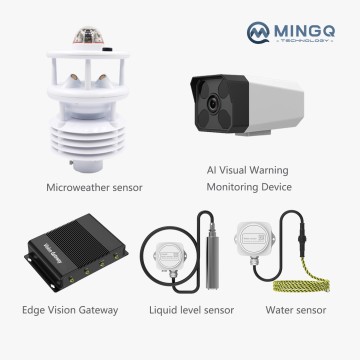 A Kits for Reservoir Environmental Monitoring
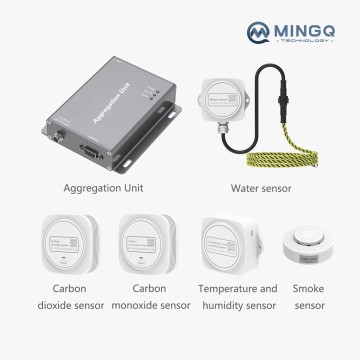 A Kits for Storage Space Environment Monitoring
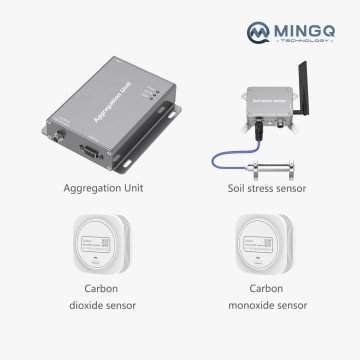 A Kits for Stress Detection of Underground Tunnel
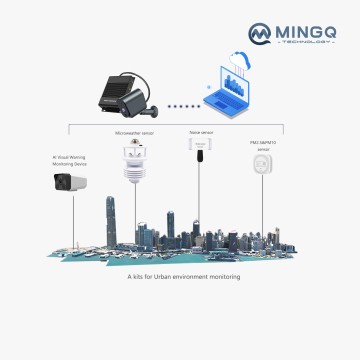 A Kits for Urban Environment Monitoring
 Intelligent IoT Monitoring Platform
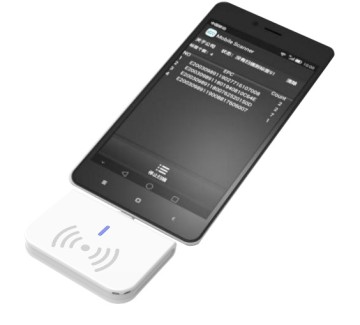 Integrating Multiple Functional OTG Demo Software
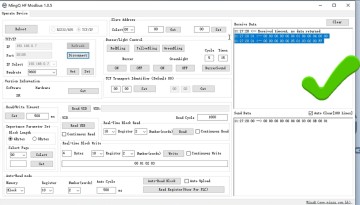 HF Demo Software
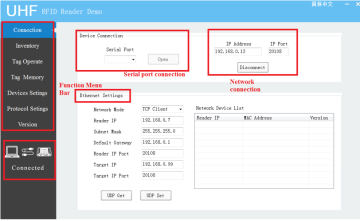 UHF Demo Software