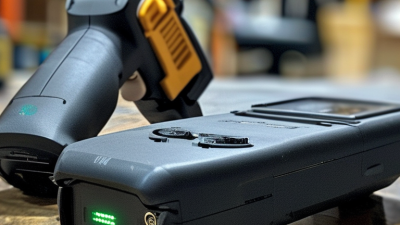
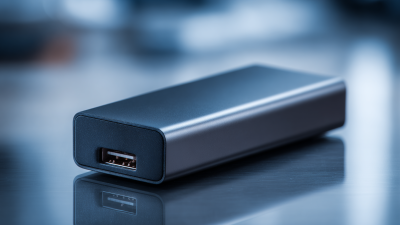
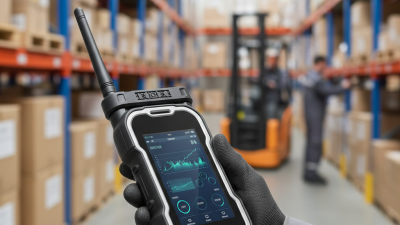
| Low-Frequency (LF) Desktop Reader | 125 kHz
134.2 kHz | Commonly supports 125 kHz proximity formats and animal-identification protocols such as ISO 11784/11785 at 134.2 kHz. | Usually a few centimetres to approximately 10 cm, depending on the tag, coil size, orientation, and reader power. | Access-control tokens, asset identification, animal identification, and legacy proximity-card systems. | USB HID keyboard emulation for direct text entry, or USB CDC/virtual serial for application-controlled communication. USB 2.0 is normally sufficient. | Select the exact tag format and output mode. LF systems generally offer short range and limited memory compared with HF and UHF. |
| High-Frequency (HF) / NFC Reader | 13.56 MHz | ISO/IEC 14443, ISO/IEC 15693, ISO/IEC 18092, and NFC Forum technologies, depending on the reader and firmware. | Typically contactless proximity range from a few centimetres to roughly 10 cm; ISO 15693 products may support somewhat greater range. | Smart cards, NFC tags, library materials, product authentication, ticketing, payments-related projects, and interactive marketing. | USB HID is convenient for reading an identifier into forms. USB CDC, CCID, or a vendor-neutral API may be preferable for smart-card commands and secure transactions. | Confirm whether the reader supports the required ISO, NFC, memory, encryption, and card-command functions. NFC compatibility does not automatically mean payment-card support. |
| Ultra-High-Frequency (UHF) Reader | 860–960 MHz | EPCglobal Class 1 Gen 2 / ISO/IEC 18000-63 for passive UHF RFID, with regional frequency limits defined by local regulations. | Commonly about 1–10 m with suitable passive tags and antennas; actual range varies substantially with reader power, antenna gain, tag design, materials, and environment. | Inventory, warehouse receiving, retail stocktaking, logistics, pallet tracking, and vehicle or portal identification. | USB HID may provide simple tag-ID output. USB CDC or a software development kit is usually better for multi-tag reads, filtering, antenna control, and event handling. | Check regional frequency support, regulatory power limits, antenna ports, read-zone control, dense-reader performance, and the maximum expected tag population. |
| Integrated USB Reader Module | LF, HF/NFC, or UHF depending on the module design. | Determined by the installed RFID chipset and firmware; may support one protocol family or several compatible protocols. | Depends on the selected frequency, antenna, enclosure, and installation position. | Self-service kiosks, printers, access terminals, vending equipment, medical devices, and custom embedded products. | Usually USB 2.0 through a board connector or cable. CDC serial, HID, or a proprietary USB protocol may be available. | Verify power consumption, connector type, mounting clearances, antenna placement, operating-temperature range, firmware update method, and host-driver requirements. |
| Desktop Reader with Built-In Antenna | Most commonly 13.56 MHz HF/NFC or 125 kHz LF; some desktop models use UHF. | Depends on the frequency family; typical examples include ISO/IEC 14443, ISO/IEC 15693, NFC Forum technologies, or supported LF formats. | Usually short range and intended for presentation of one tag at a time; the exact distance depends on the antenna and tag. | Employee check-in, document tracking, desktop authentication, enrollment, point-of-service workflows, and small-item identification. | HID keyboard mode offers quick deployment without custom drivers. CDC serial or an API provides better control over delimiters, retries, and reader events. | Choose a reader with clear status indicators, stable placement, appropriate cable length, and configurable output formatting if it will be used with existing software. |
| Fixed UHF Reader with External Antenna | 860–960 MHz | EPC Class 1 Gen 2 / ISO/IEC 18000-63, subject to regional radio regulations. | Often several metres with a properly matched antenna and tag; the read zone must be tested in the final installation. | Dock doors, conveyor lines, room entrances, inventory portals, and automated item movement tracking. | USB CDC or a dedicated software interface is generally more suitable than HID because applications may need tag events, timestamps, antenna identity, RSSI, and filtering. | Evaluate antenna count, cable loss, mounting angle, shielding, interference, power supply capacity, regional certification, and the need for additional network connectivity. |
| Contactless Smart-Card Reader | 13.56 MHz | Often based on ISO/IEC 14443 or ISO/IEC 15693; secure-card support depends on the card technology and reader interface. | Normally a few centimetres, optimized for deliberate card presentation rather than long-distance reading. | Computer login, identity verification, access control, digital certificates, secure document signing, and controlled card transactions. | USB CCID is commonly used for operating-system smart-card integration. HID may be unsuitable where cryptographic commands and card-session control are required. | Confirm CCID support, operating-system compatibility, card middleware, secure messaging requirements, PIN handling, and whether the application needs a certified security component. |
| Multi-Frequency Reader | Two or more bands, such as LF plus HF/NFC or HF/NFC plus UHF. | Supports multiple protocol families, but the exact combination varies by product architecture and firmware. | The read distance differs by frequency; LF and HF are generally near-field, while UHF can provide metre-level operation. | Sites that must read existing mixed-frequency badges, tags, or product labels without replacing all deployed media. | USB HID can simplify basic identifier capture, while CDC or an SDK is recommended when the application must distinguish frequency, protocol, or tag type. | Check simultaneous-operation limits, antenna interference, output format, supported tag memory commands, power requirements, and the software effort required to identify each tag family. |
| USB Connection Standard: USB 2.0 | Not applicable; this is the host connection rather than the RFID air interface. | Commonly used by LF, HF/NFC, and many UHF readers for command, data, and power transmission. | Not applicable. | General-purpose desktops, laptops, kiosks, point-of-service stations, and embedded computers. | USB 2.0 provides up to 480 Mb/s theoretical signaling speed. Actual throughput is usually more than adequate for RFID identifiers and reader control. | Check connector type, cable quality, bus-powered current, electromagnetic compatibility, and whether the reader needs a powered hub or separate supply. |
| USB Connection Standard: USB 3.x | Not applicable; this is the host connection rather than the RFID air interface. | May be used by advanced readers, although RFID data rates do not always require USB 3.x. | Not applicable. | Systems that already standardize on USB-C or USB 3.x, multi-device installations, and readers with additional high-speed data functions. | USB 3.x offers higher theoretical bandwidth than USB 2.0, but compatibility depends on the reader, cable, connector, operating system, and hub. | Do not select USB 3.x solely for RFID speed. Prioritize driver support, stable power delivery, connector durability, and compatibility with the host equipment. |
| USB Data Interface: HID Keyboard | Compatible with the reader's LF, HF/NFC, or UHF air interface. | The RFID protocol is handled internally; the host receives characters as keyboard input. | Determined by the RFID technology, not by HID. | Web forms, spreadsheets, basic check-in screens, and legacy applications that accept typed input. | Usually driverless on common desktop operating systems. The reader may append configurable prefixes, suffixes, carriage returns, or tabs. | Choose HID for fast deployment and simple workflows. It is less suitable for multi-tag UHF control, error reporting, encryption commands, and detailed tag metadata. |
| USB Data Interface: CDC / Virtual Serial | Compatible with the reader's LF, HF/NFC, or UHF air interface. | RFID commands and responses are exchanged through a serial-style protocol defined by the reader. | Determined by the RFID technology, antenna, tag, and environment. | Custom software, industrial automation, controlled scanning workflows, and applications requiring configurable reader behavior. | Provides structured communication, configurable parameters, and event handling. Some operating systems may require a suitable driver or port configuration. | Confirm command documentation, baud-rate behavior, framing, timeout rules, firmware-update support, and whether the software can recover from cable or reader disconnection. |
| USB Data Interface: CCID or Secure API | Primarily used with 13.56 MHz contactless smart-card readers. | Commonly used with ISO/IEC 14443 and related smart-card technologies; application support depends on the card and middleware. | Short presentation range, typically a few centimetres. | Secure authentication, certificate-based login, card management, and cryptographic transactions. | CCID enables standardized smart-card communication, while a secure API may expose additional reader or cryptographic functions. | Verify middleware, certificate support, secure PIN entry, operating-system integration, security certifications where required, and the complete card-reader software stack. |

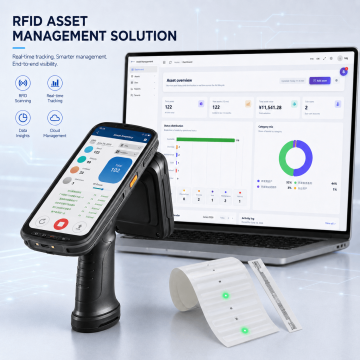 RFID Asset Management Kit
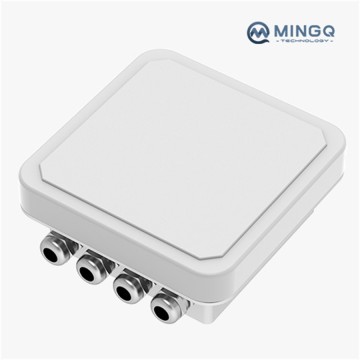 IP67-protected Integrated RFID Reader Writer RFly-I165 for Supply Chain
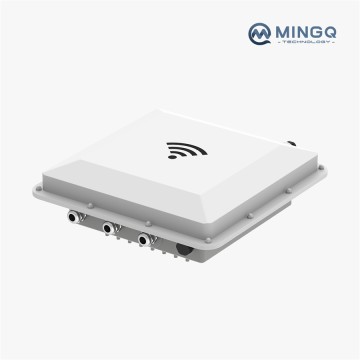 Long-range Distance UHF RFID Reader RFly-I195 for Inventory Management
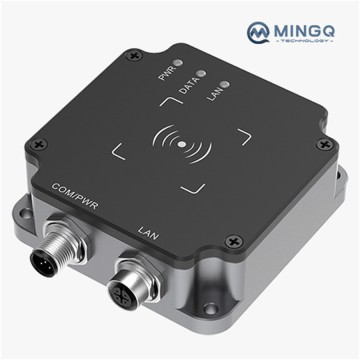 Small UHF RFID Tag Reader RFly-I300 for Cars
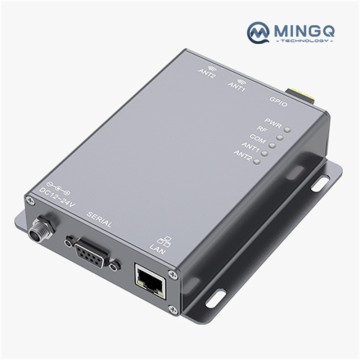 Two-channel Compact Fixed RFID Reader RFly-F210 for Warehousing
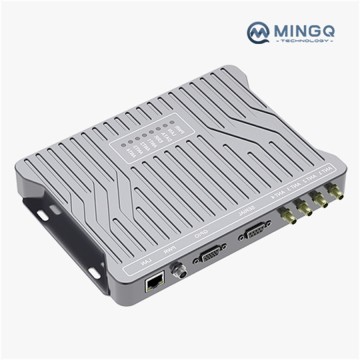 Four Channels Fixed UHF RFID Reader RFly-R6 for Supply Chain
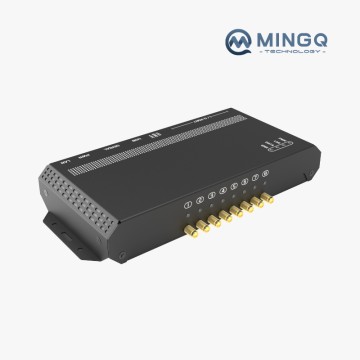 8-channel UHF RFID Tag Reader RFLY-MR8 for File Cabinet Identification-1
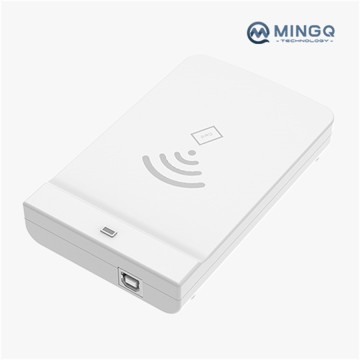 USB Compact Desktop RFID Scanner GRU-D100 for Card Management
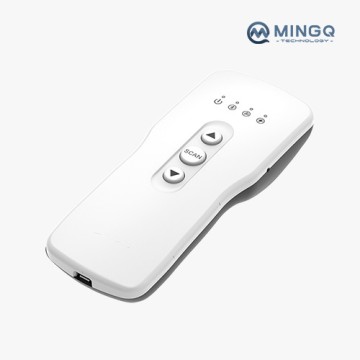 Bluetooth Portable RFID Reader and Writer GRU-HBT100 for Inventory Management
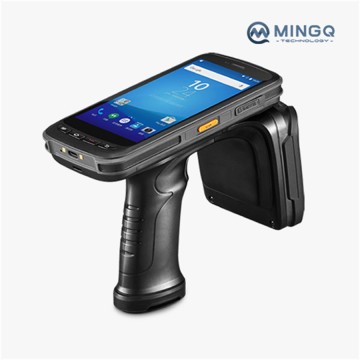 Industrial Grade Handheld UHF RFID Reader GRU-HC520 Suitable for Logistics
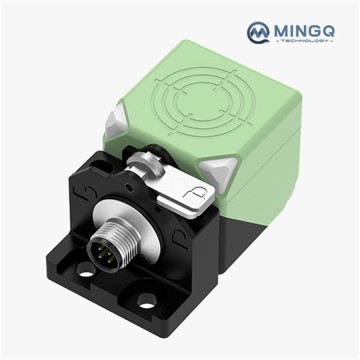 Rotary HF RFID Tag Reader GRH-I40 Suitable for Assembly Lines
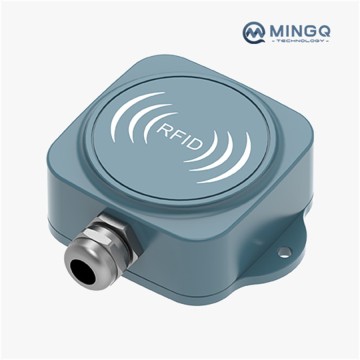 Industrial-grade High-frequency Integrated Reader GRH-I65 Suitable for Asset Tracking
 With ESD Protection HF RFID Reader GRH-I68 Suitable for Progress Tracking
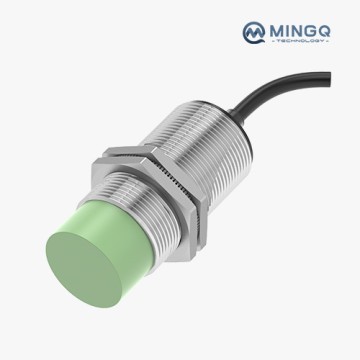 Proximity HF RFID Reader GRH-M30 Suitable for Manufacturing Workshops
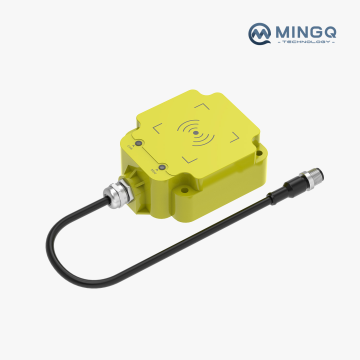 High Frequency Medium Distance Reader GRH-I90 Suitable for Logistics Production Line
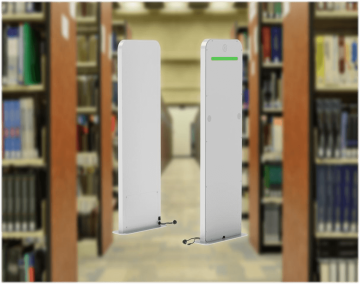 UHF RFID Portals and Tunnel Machine RFly-AM3000 for Access Control
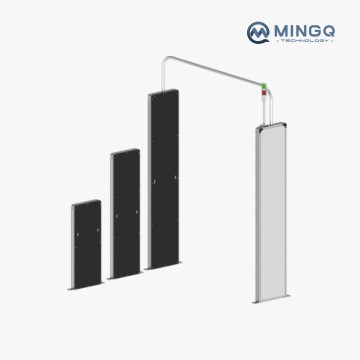 Narrow RFID Portals Series TD-P20040-SS for Single Tag Entry and Exit Identification Scenario
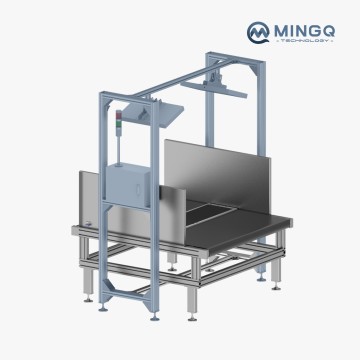 RFID Transmission Line Simple Identification Tunnel Machine (TD-T3050)
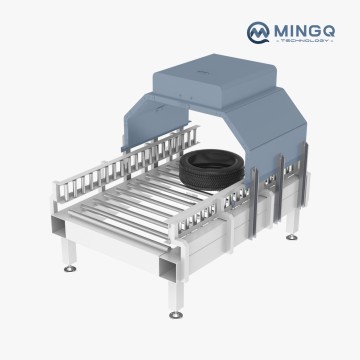 Vision and RFID Tunnel Machine TD-T7692-RV for Logistics Sorting
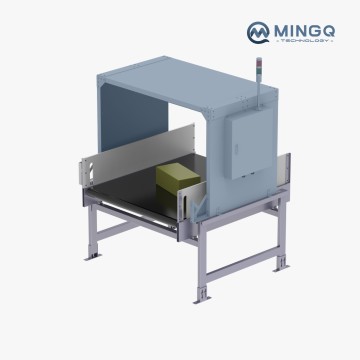 RFID Transmission Line Identification Tunnel Machine TD-T10090
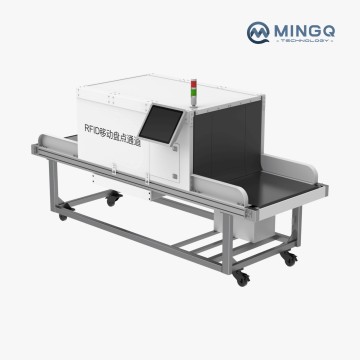 RFID Mobile Inventory Tunnel Machine TD-T65150 for Conveyor Belts
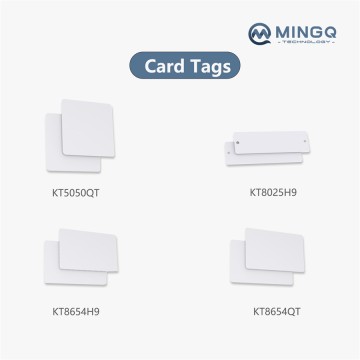 RFID Tags for Container Turnover Management
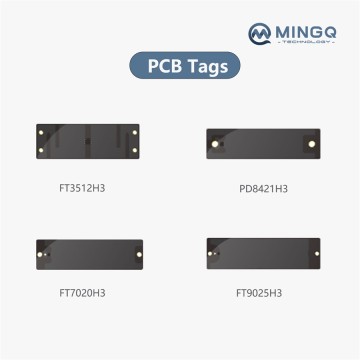 RFID Tags for Equipment O&M Management
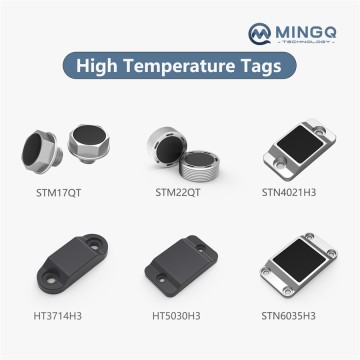 RFID Tags for Manufacturing Management
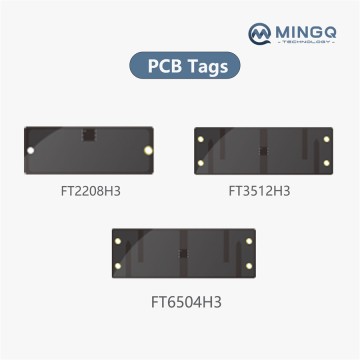 RFID Tags for Tool Management
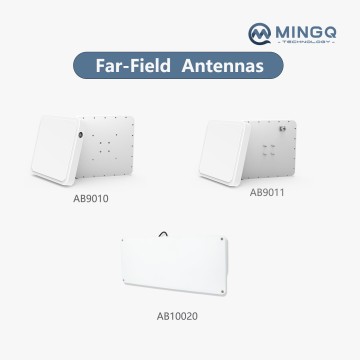 High-Performance Far-Field Antennas for Broad Coverage.
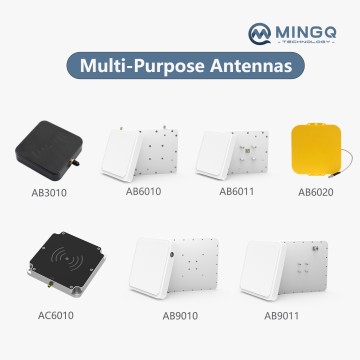 Multi-Purpose Antennas: Flexibility for Diverse Applications
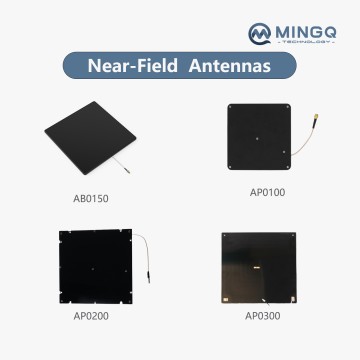 Near-Field Antennas for Short-Distance Tag Detection.
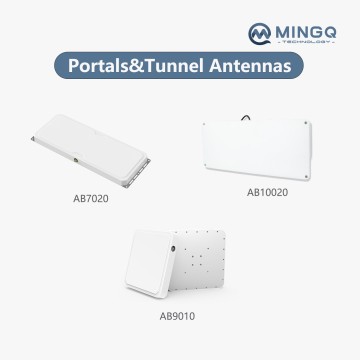 Portals & Tunnel Antennas for Integrated RFID Series
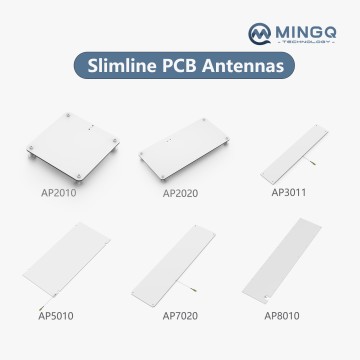 Slimline PCB Antennas for Warehousing and Logistics
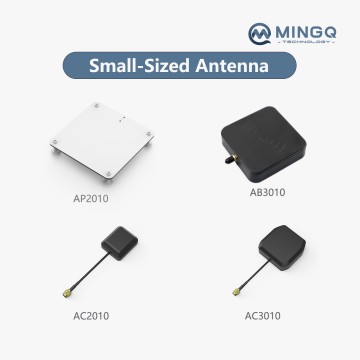 Miniaturized and Thin Antennas can Provide Good Performance in a Smaller Size.
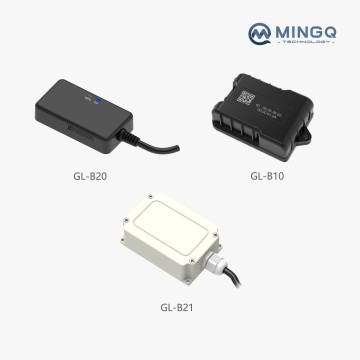 GPS Tracker for Vehicles, Car, Kids, Assets.
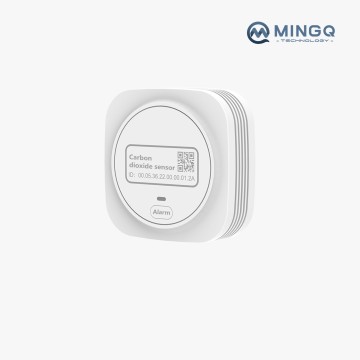 CO2 Sensors Detect CO2 Gas through Alarms, Suitable for Offices, Planting Tents.
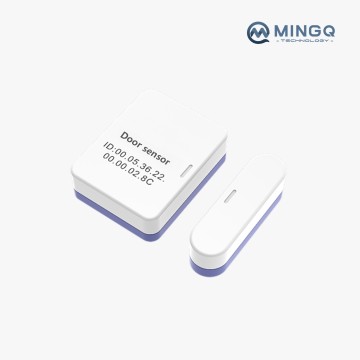 Door Sensor, Detect Open and Closed Doors or Windows, Sends Alerts, Triggers Siren.
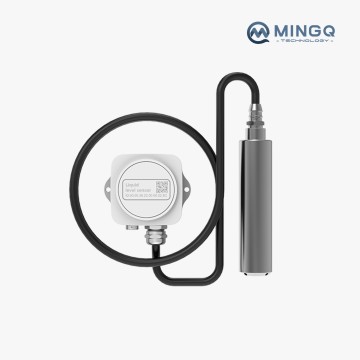 Wireless Level Sensor Equipped with a 5-Meter Detection Line, Suitable for Water Tanks
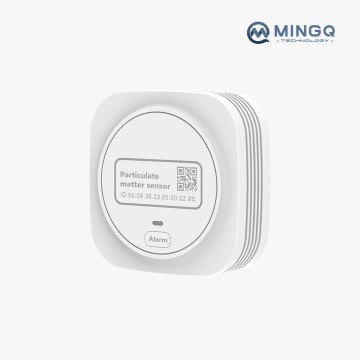 Real Time Monitoring of Air Quality Using PM2.5/PM10 Sensors.
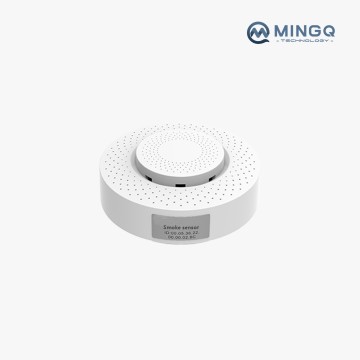 Smoke Sensor, Fire Alarm Smoke Detector with Test Button and Low Battery Reminder.
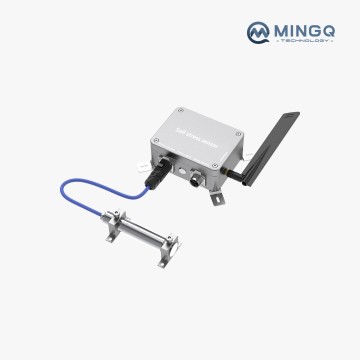 Soil Stress Sensor,Bridge and Tunnel Monitors.
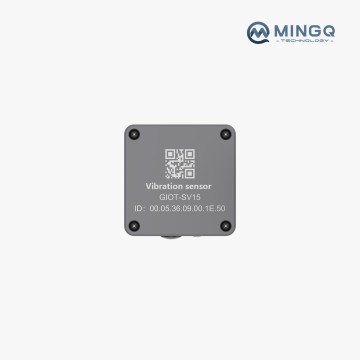 Vibration Sensor Monitors Equipment, Like Conveyors and Motors, for Operational Status.
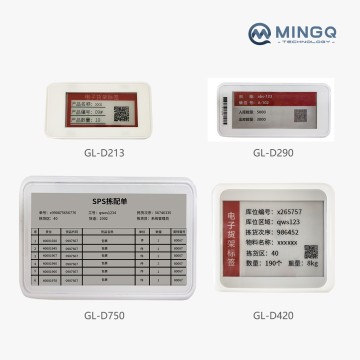 E -Paper Display
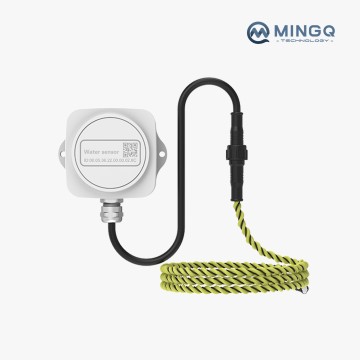 Smart Water Sensor Alarms, 1.2 M Detection Line.
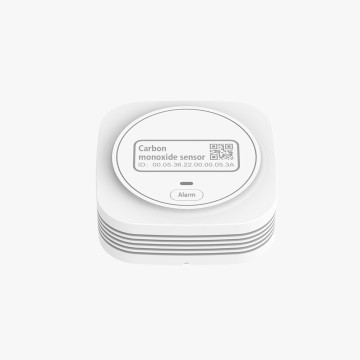 CO Sensor for Basements Home Office House Bedroom Living Room Car, Light Plug and Play.
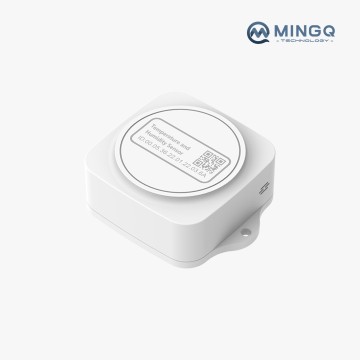 Temperature and Humidity Sensor
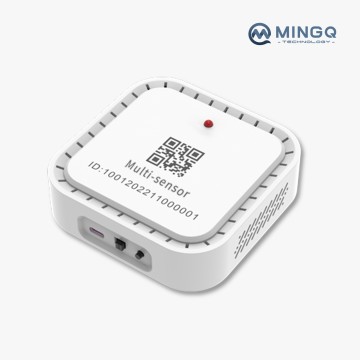 Multi-sensor GD-ME
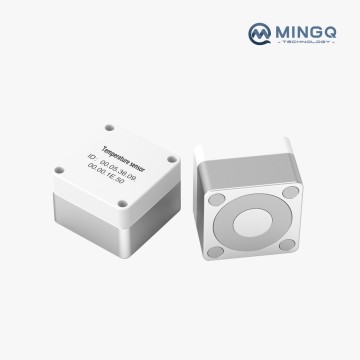 Temperature Sensors Monitor the Surface Temperature of Various Heating Equipment.-1
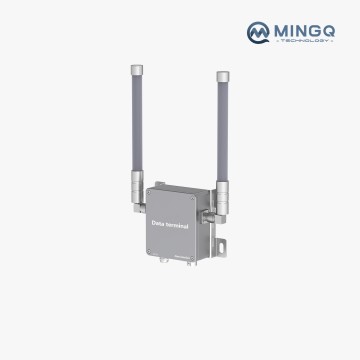 Signal Enhancement Terminal, Long Range Coverage.
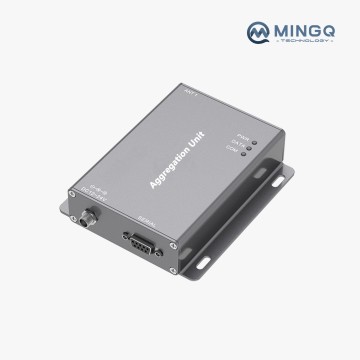 Multi-Protocol Communication Gateway, App Remote Control.
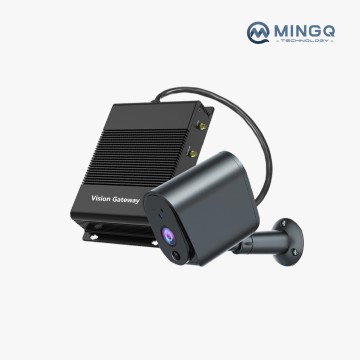 Edge Vision Gateway can Access Various Mainstream Cameras, Suitable for Office, Factory.
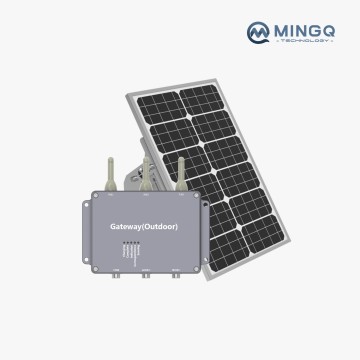 GBS-3550 Outdoor Sensor Gateway,LoRa, 2/3/4G Communication.
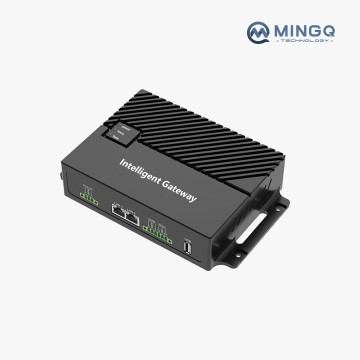 Smart WiFi Gateway, Realize Remote Control.
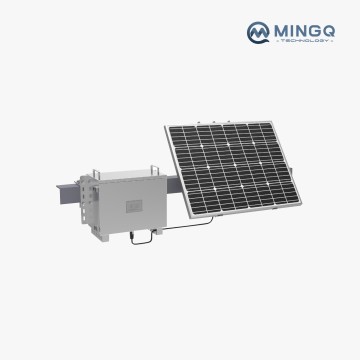 Ultra-Low-Power Solar-Powered Intelligent Gateway (Outdoor)
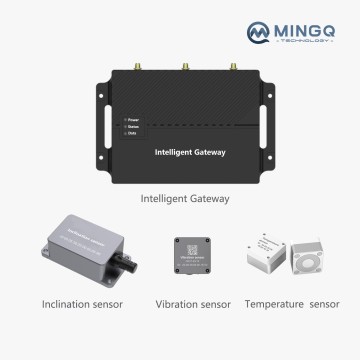 A Kits for Equipment Condition Detection
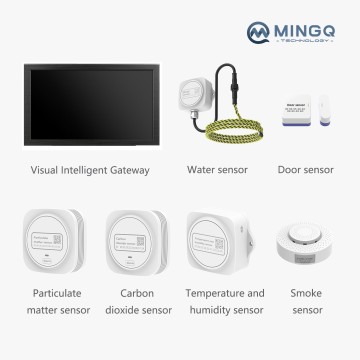 A Kits for Office Computer Room Environment Monitoring
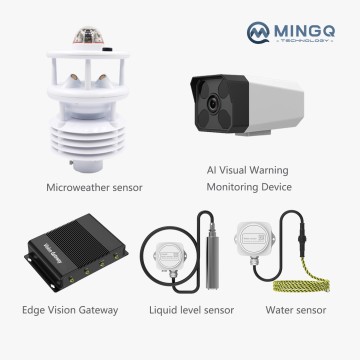 A Kits for Reservoir Environmental Monitoring
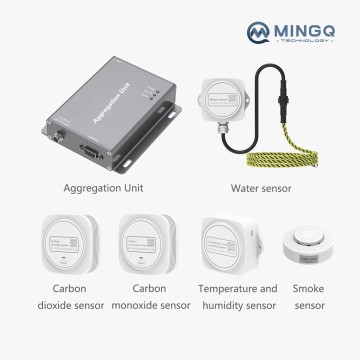 A Kits for Storage Space Environment Monitoring
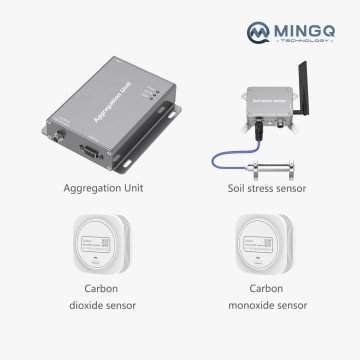 A Kits for Stress Detection of Underground Tunnel
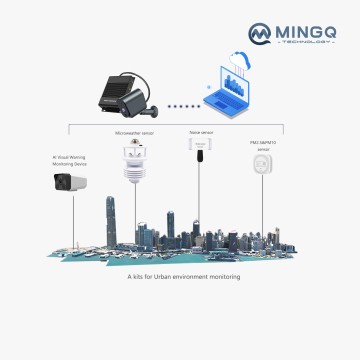 A Kits for Urban Environment Monitoring
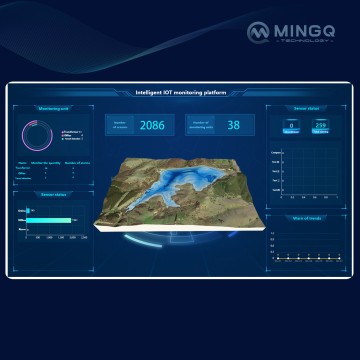 Intelligent IoT Monitoring Platform
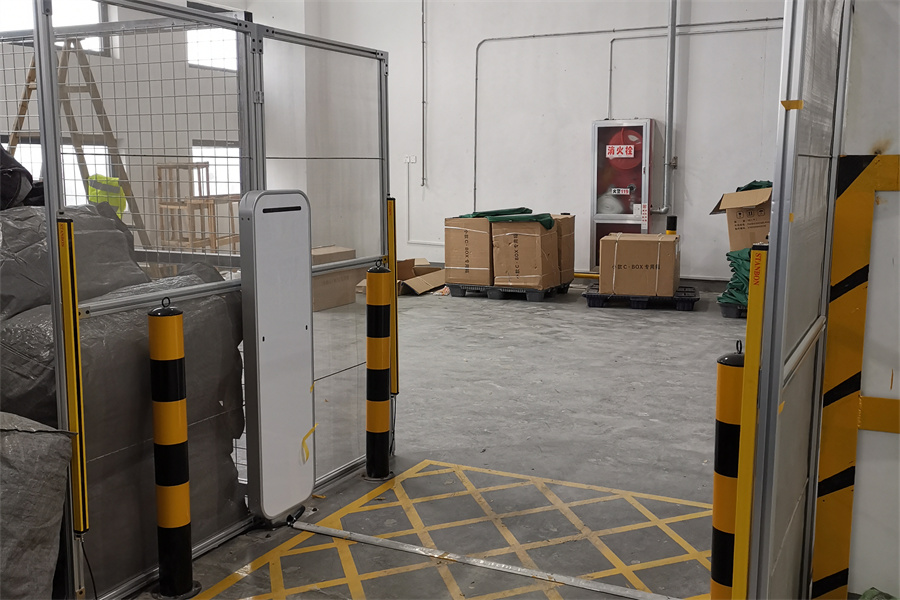 Global 3PL Streamlines High-End Fashion Inventory with MingQ RFID Tunnel Solution
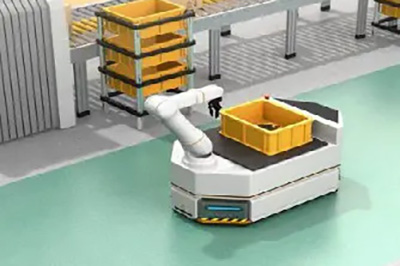
 Leading E‑Commerce Platform Accelerates Flash-Sale Fulfillment and Boosts Warehouse Productivity with MingQ RFID Sorting Wall Solution
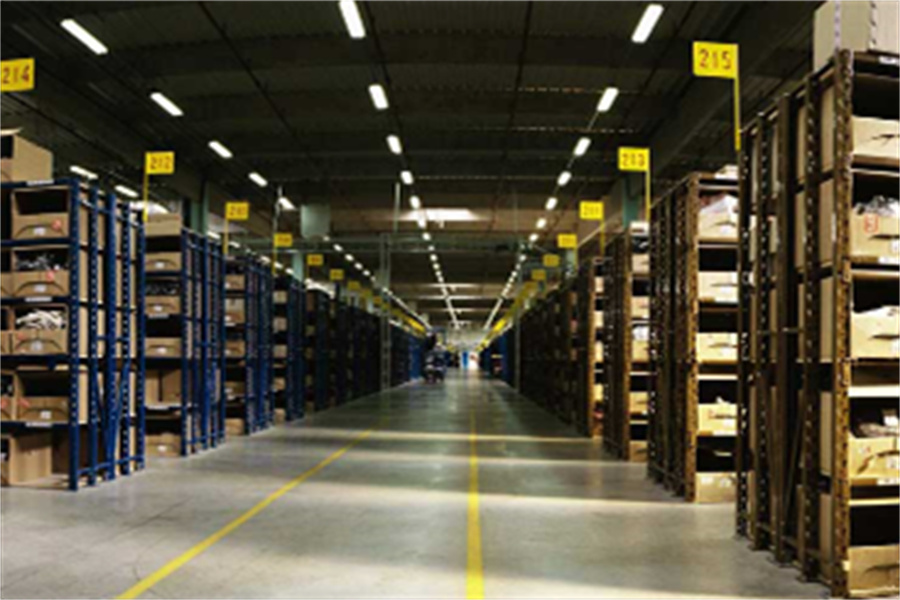
 Global Automaker Elevates Component Kitting Accuracy with MingQ RFID Shelf‑Level Management Solution
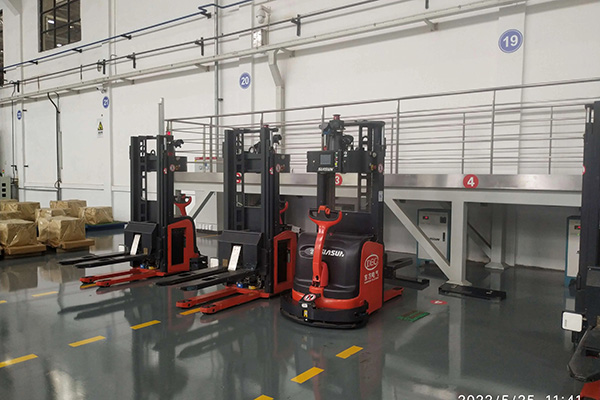 Asia’s Largest Logistics Provider Enhances Warehouse Intelligence with RFID Pallet & Container Management Solution
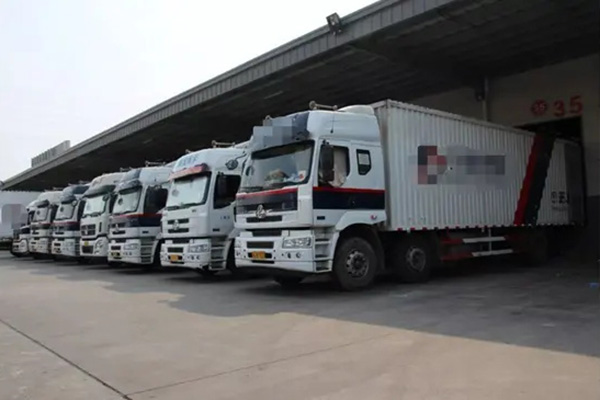 RFID Application in Platform Vehicle Management
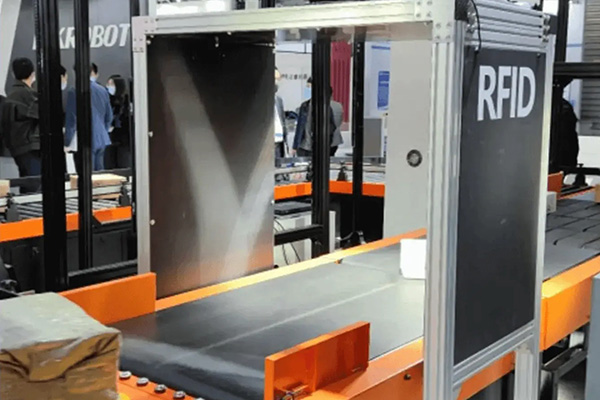 RFID Application in Logistics Sorting
 RFID Application in Supply Chain Management
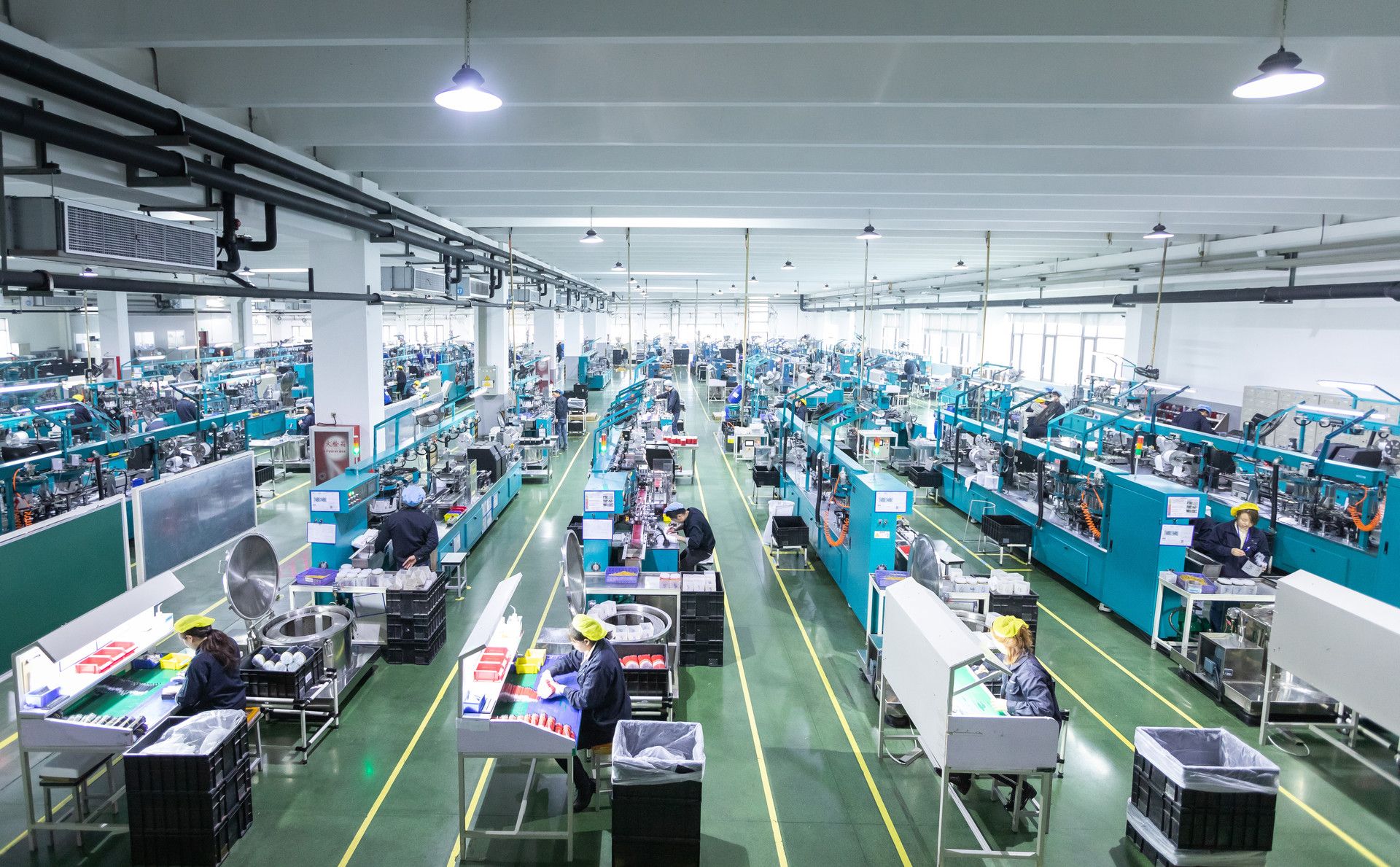 RFID Application for Workshop/Warehouse Tracking
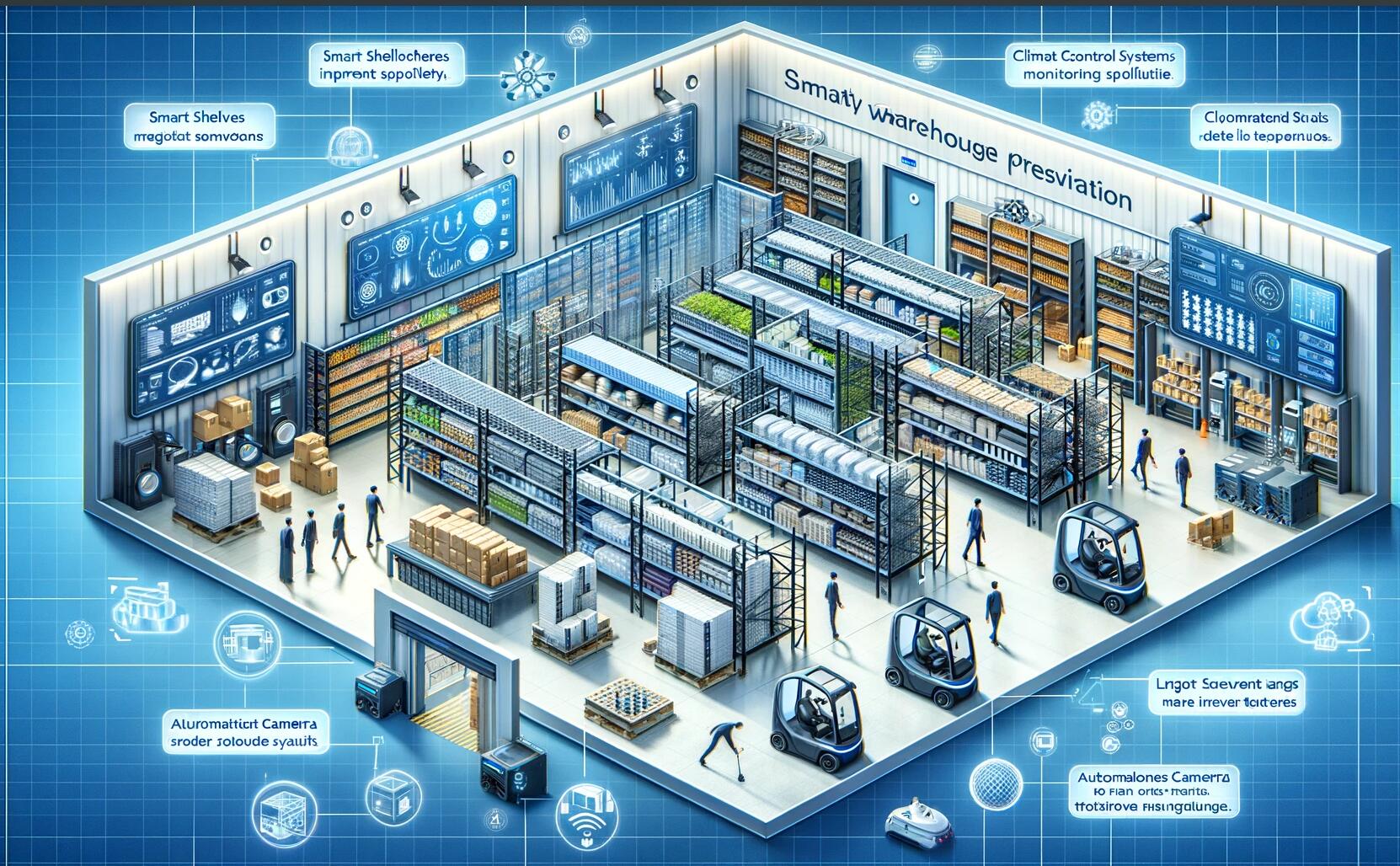 TP‑Link Enhances Warehouse Inbound/Outbound Efficiency with MingQ RFID Dock‑Door Solution
 RFID technology empowers port containers: a new direction for future logistics
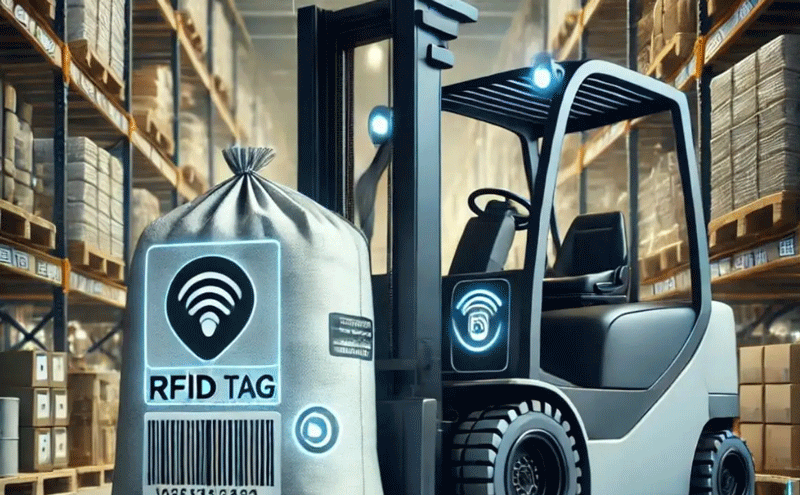 RFID technology in forklift tracking and container bag identification
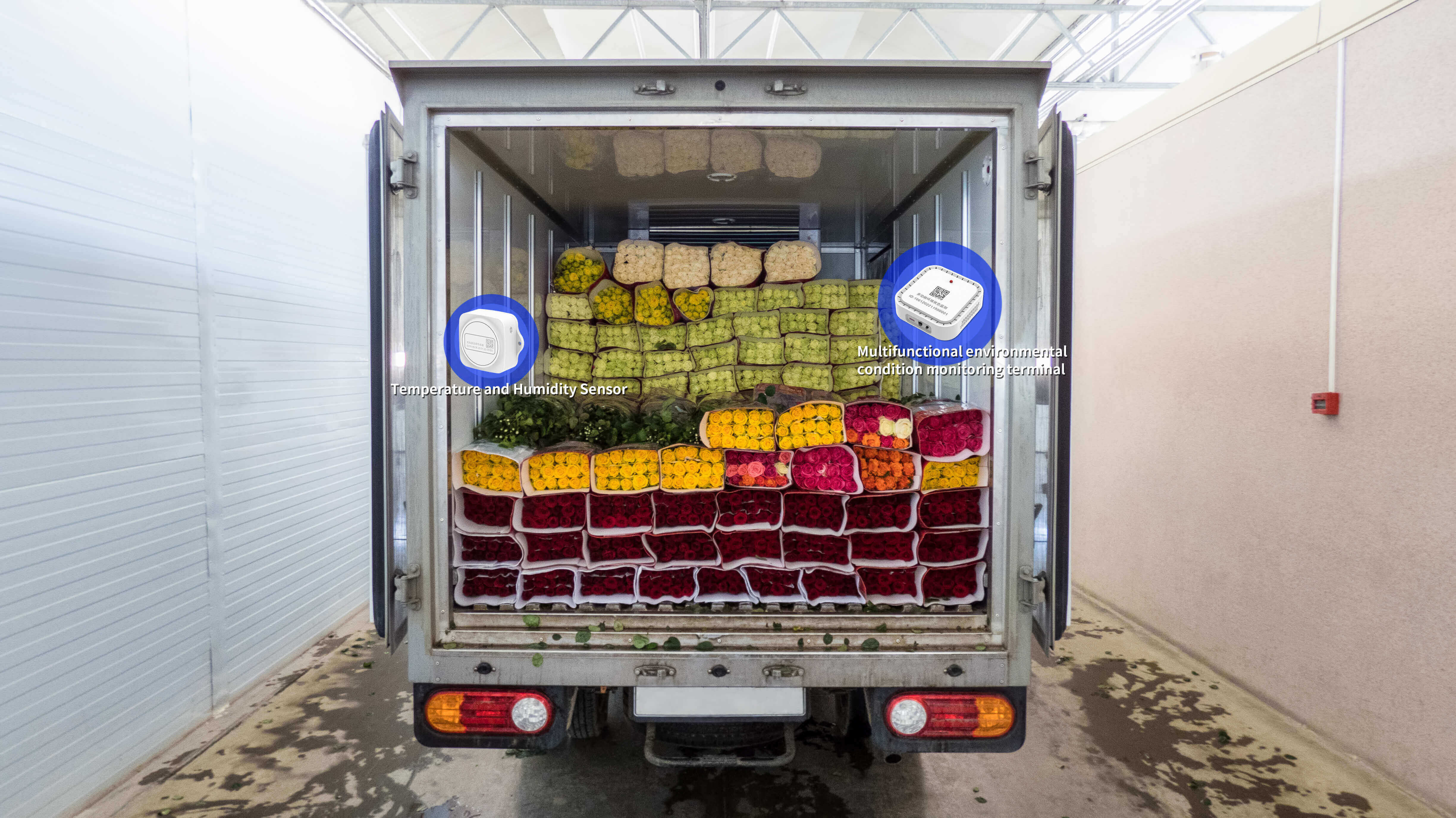 Real-Time Data, Secure Transportation: The Future Trends of Cold Chain Logistics
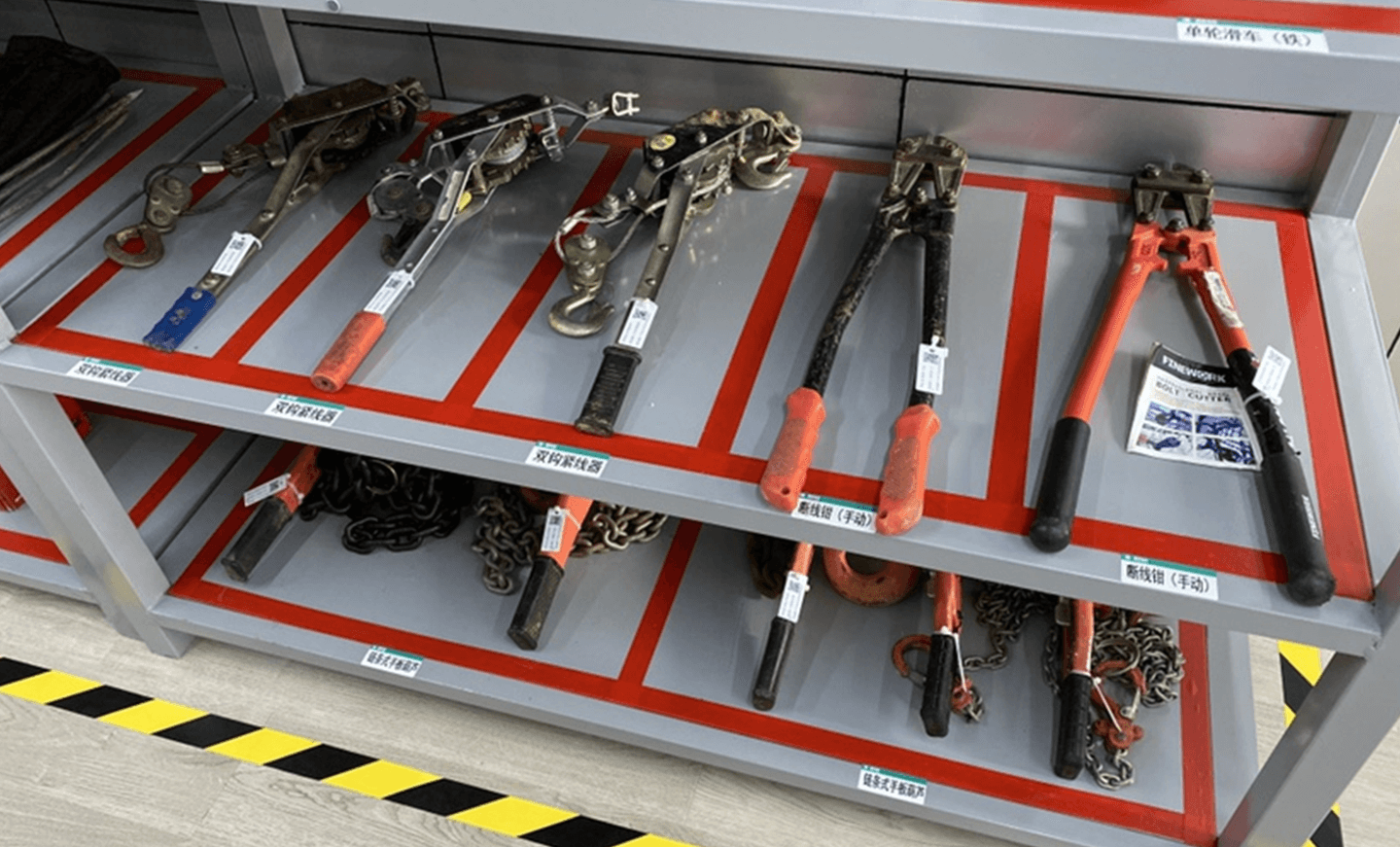 RFID Tool Management
 RFID Application in Battery Factory Production
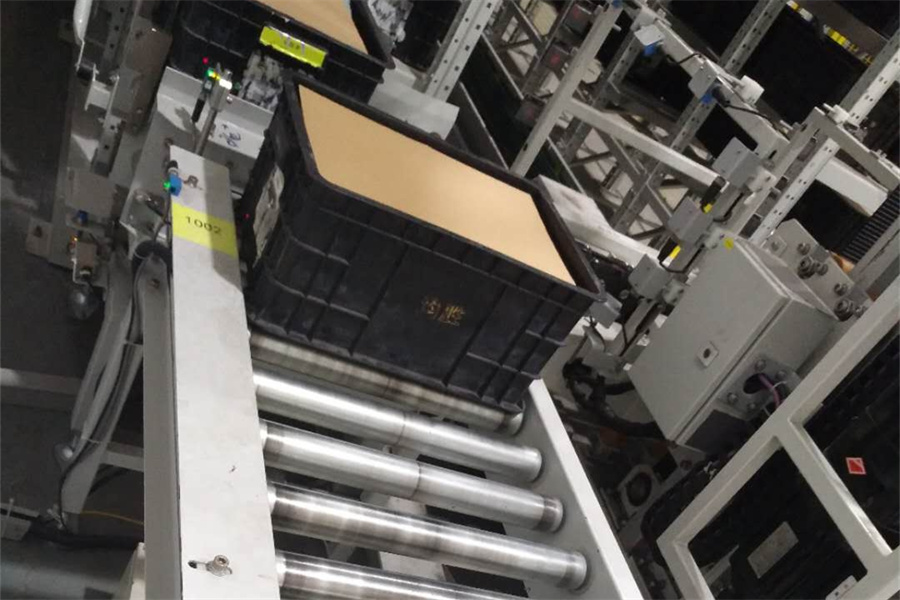 RFID Application in Production Line Rubber Box Management
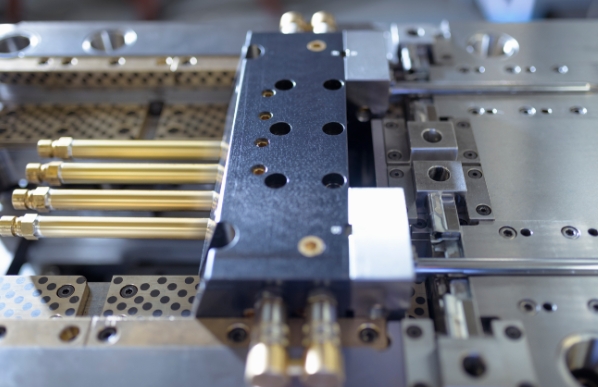 RFID Application in Mold Management on Production Lines
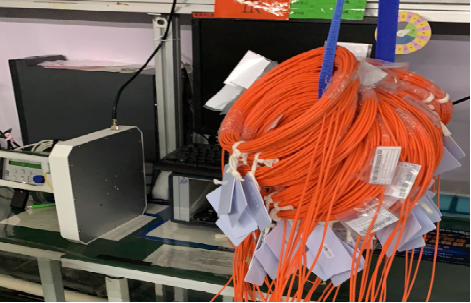 RFID Application in Fiber Optic Cable Manufacturing
 Smart Manufacturing
 The medical industry uses RFID technology to make drug tracking more accurate
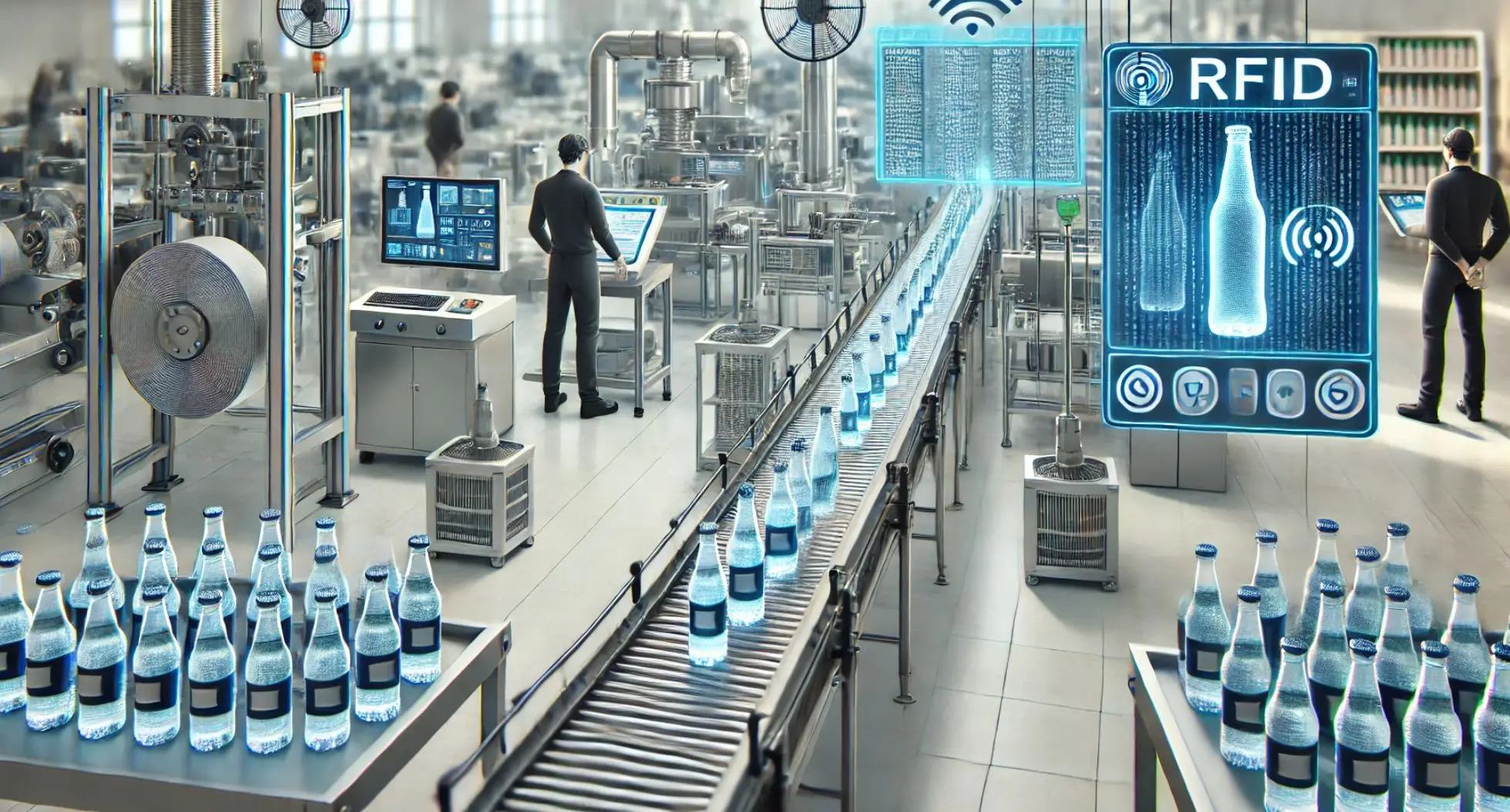 RFID technology helps beverage production and build an efficient supply chain
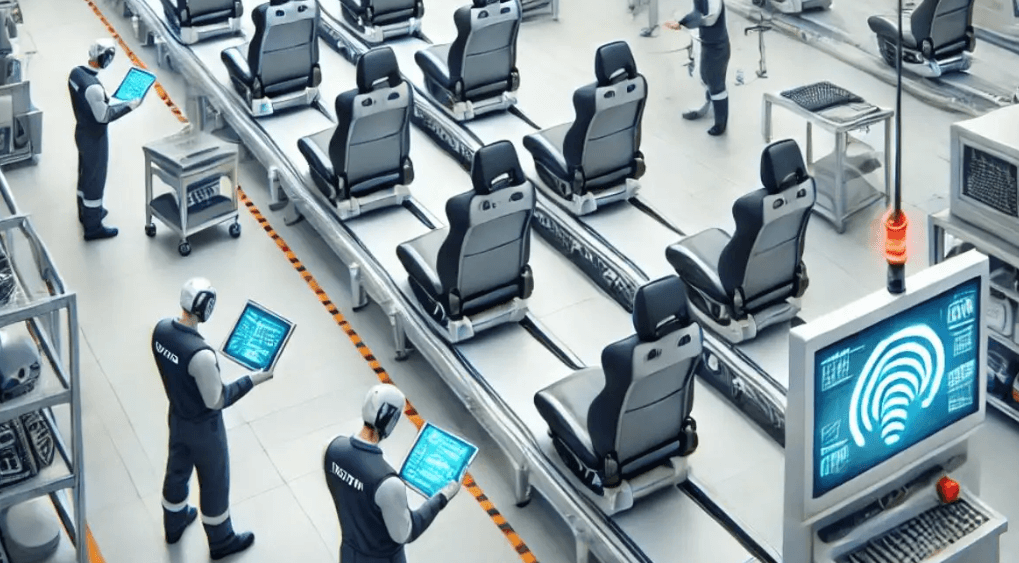 RFID technology helps car seat production lines: intelligent management improves efficiency and quality
 RFID technology in the production of electronic appliances monitoring and tracing application
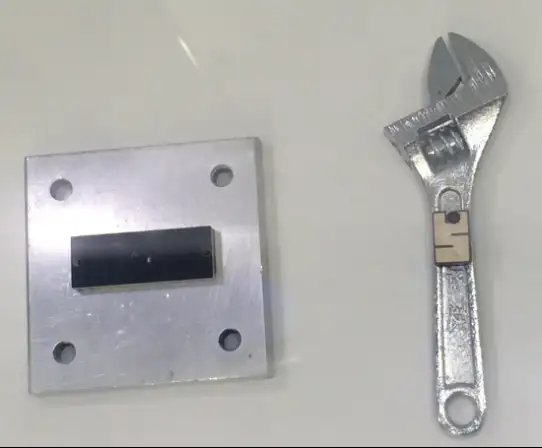 Use RFID technology to improve appliance management efficiency and security
 RFID technology helps precise installation of headrests